
How do I upgrade or downgrade my service?
You can upgrade or downgrade your shared, reseller, or semi-dedicated hosting service at any time.
Request the change
Section titled “Request the change”-
Log in to your client area.
-
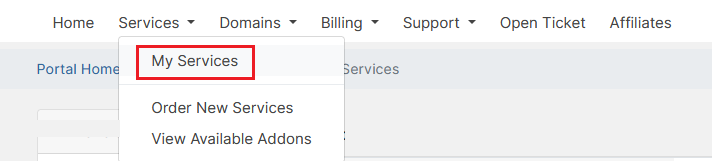
Navigate to Services > My Services from the menu.
-
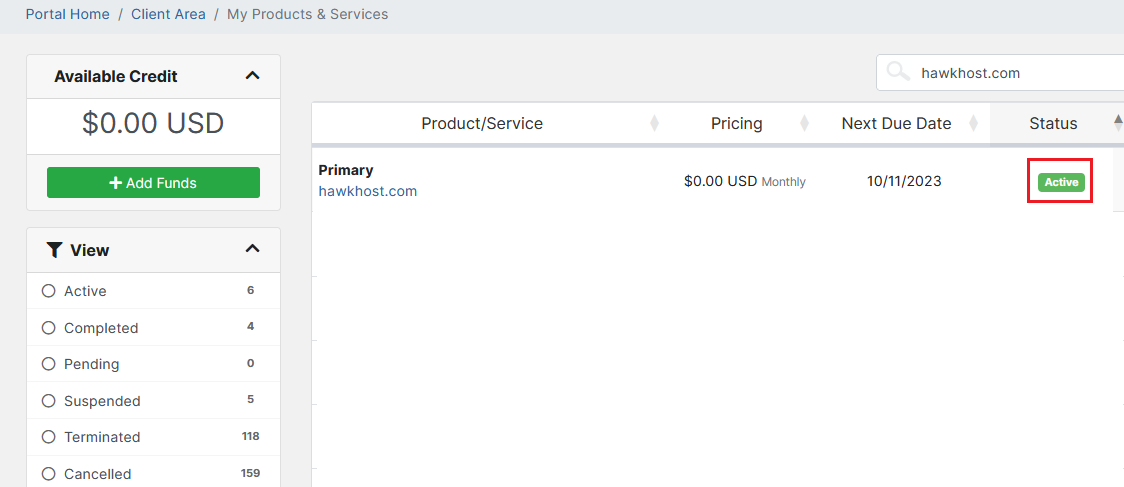
Click the green Active button next to the service you wish to change.
-
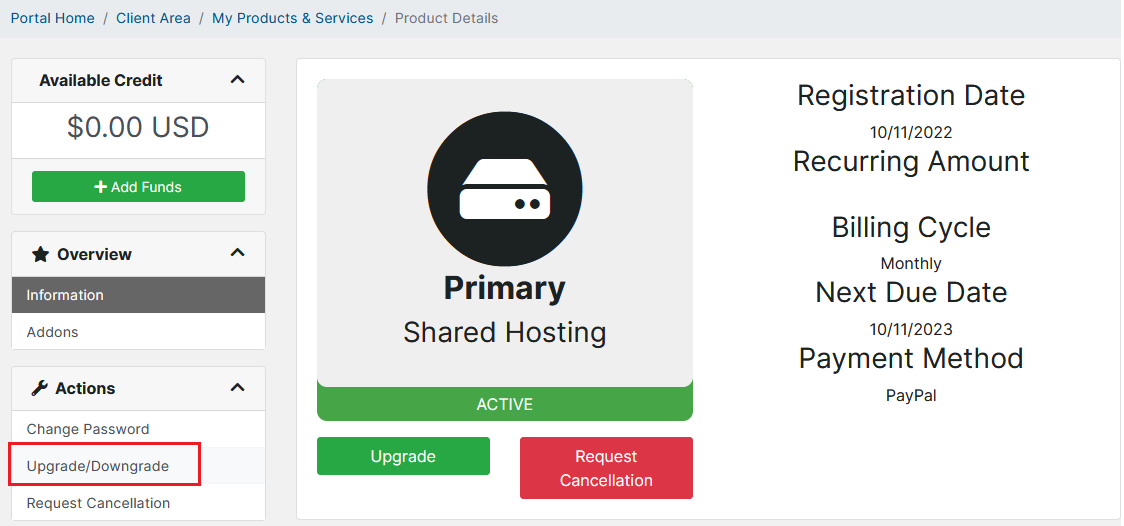
In the left-side Actions menu, select Upgrade/Downgrade.
If you experience any issues, email billing@hawkhost.com or submit a ticket.
Important notes
Section titled “Important notes”- If your renewal invoice has already been generated, contact our billing department before paying so the upgrade/downgrade can be applied correctly.
- Upgrading to a Professional+ plan will result in an immediate IP change for all websites hosted under that service.