
Invoice shows "Please Wait..." when paying with cryptocurrency
When paying an invoice with cryptocurrency (Bitcoin, Bitcoin Cash, Ethereum, XRP, DOGE), you may see a “Please Wait…” message while the payment link is generated:
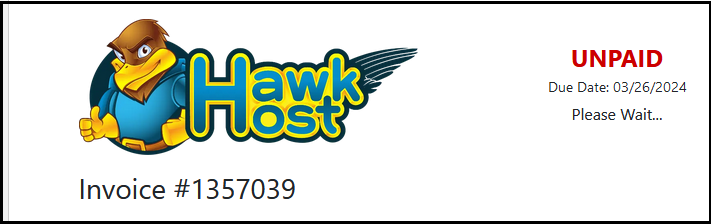
This payment method requires your browser to allow both JavaScript and pop-up windows. If the payment link does not load after a few seconds, try the following:
- Enable JavaScript in your browser, or whitelist
my.hawkhost.comin any script-blocking extensions. - Allow pop-ups for
my.hawkhost.comin your browser settings. - Try a different browser that does not block JavaScript or pop-ups by default.
- Use an incognito/private browsing session.
If you have tried all of the above and the issue persists, contact billing@hawkhost.com for assistance.