
Removing stored credit card payment methods
When you pay an invoice with a credit or debit card, our system automatically stores the card on your profile for future payments. To remove a stored payment method:
-
Log in to your client area.
-
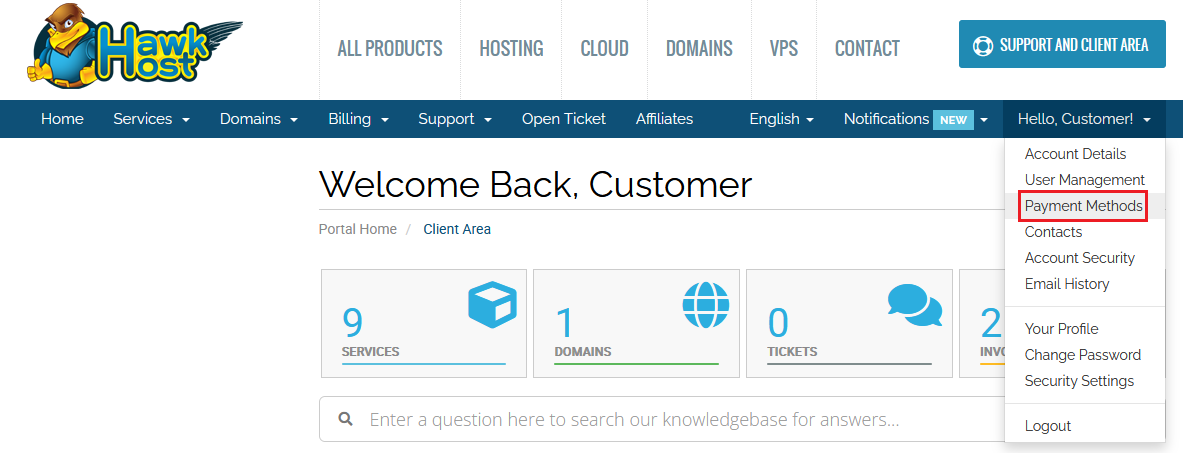
Click your name in the top-right menu and select Payment Methods (or go directly to Payment Methods).
-
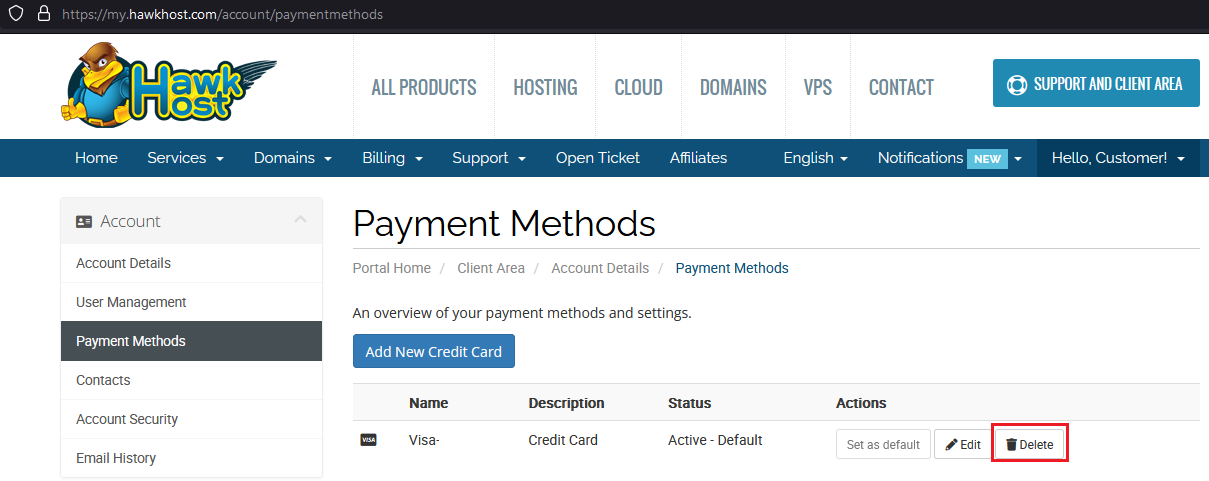
You will see all currently stored payment methods. Click Delete next to the card(s) you wish to remove.
-
The card will be removed from your profile and will no longer be used for automatic renewals. You will need to manually pay future renewal invoices.