Can I add more RAM/memory to my hosting account?
RAM/memory upgrades are available for all shared, cloud web hosting, and semi-dedicated hosting services. Reseller and cloud vps customers should contact our sales team for upgrade options.
To add memory to a shared, cloud web hosting, or semi-dedicated plan:
-
Log in to your client area.
-
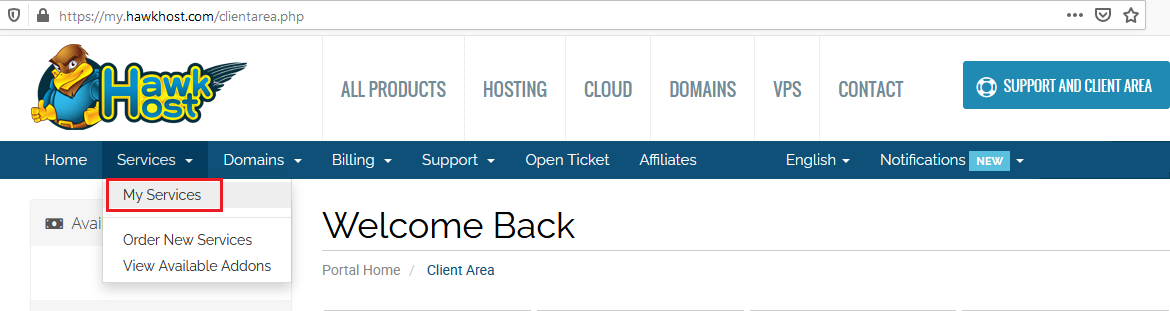
Navigate to Services > My Services from the menu.
-
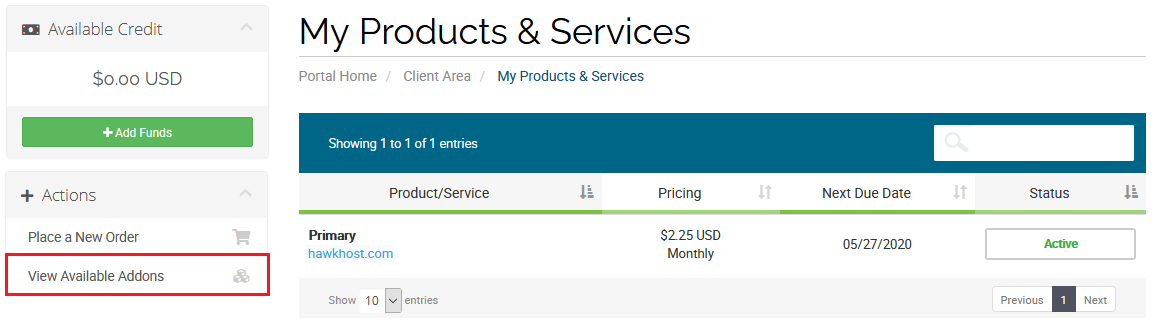
On the My Products & Services page, click View Available Addons from the Actions menu.
-
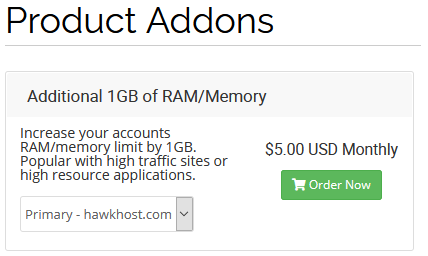
On the Product Addons page, locate Additional 1GB of RAM/Memory. Select your service from the dropdown and click Order Now to complete the upgrade.