Client area email address verification
All customers are required to verify their email address before submitting tickets through the helpdesk. When you log in to the client area, a banner will appear at the top of the page if your email is not yet verified:

Click Resend Verification Email if needed. The email is sent from sales@hawkhost.com — check your junk/spam folder if you don’t see it in your inbox.
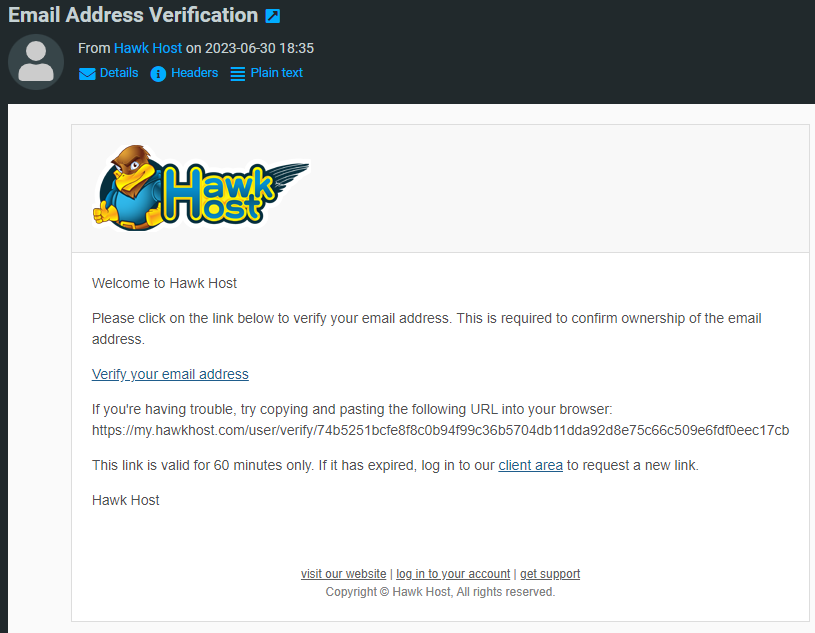
The verification email will have the subject Email Address Verification and contain a link to complete the process:
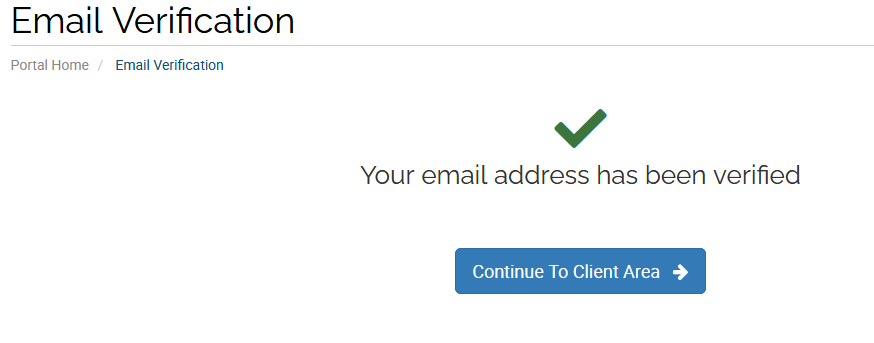
After clicking the verification link, you will see a confirmation that your email has been verified: