How can I reset my cPanel password?
cPanel password resets must be done through your client area — our support team will not reset your cPanel password on your behalf.
Note: If you need to reset your client area password instead, use the lost password page. That is a separate process from resetting your cPanel password.
Reset your password
Section titled “Reset your password”-
Log in to your client area.
-
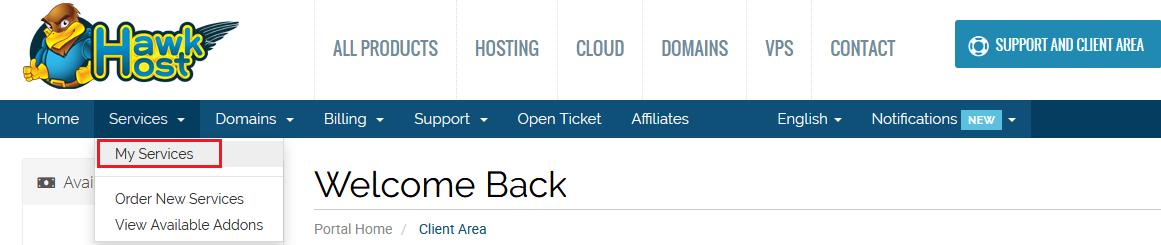
Navigate to Services > My Services from the menu.
-
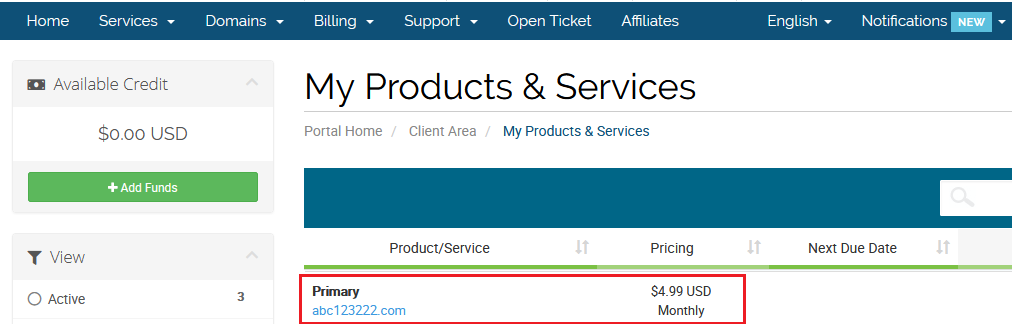
Click on the service that needs a cPanel password reset.
-
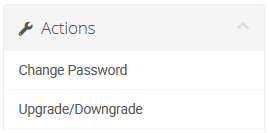
In the left-side Actions menu, select Change Password.