
How do I clear my shopping cart from the hawkhost.com website?
To clear your shopping cart:
-
If you are already in the checkout process, click through to step 4 of the checkout where you will see an Empty Cart option.
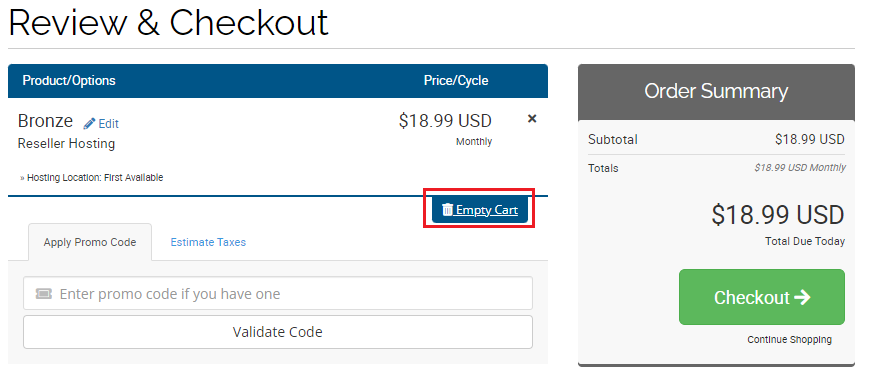
-
If you have closed the cart or your browser, visit my.hawkhost.com/cart.php?a=view to access your cart directly. If no products appear, your previous session has expired and the cart is already empty.