
"Your user account is already associated with the target invite account" when accepting a client area invite
When adding an authorized user to your account, the invited user may see this error when clicking the invite link:
“Your user account is already associated with the target invite account”
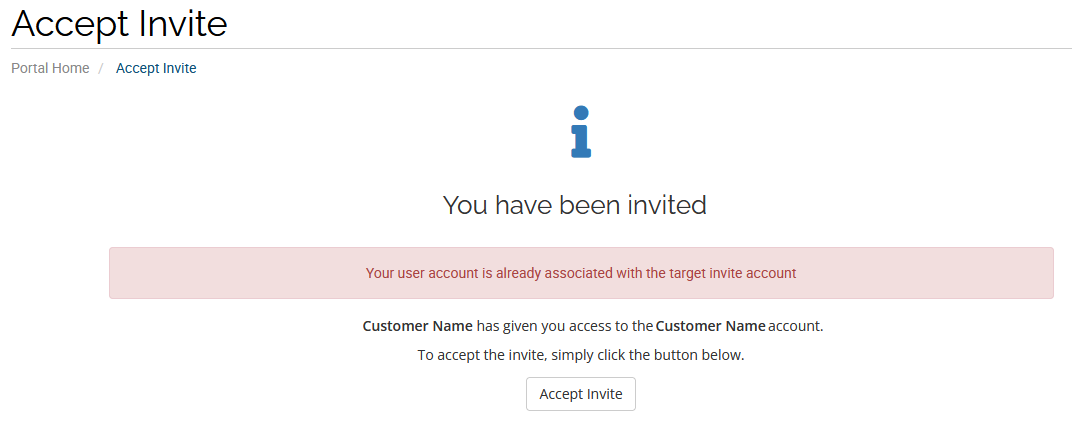
This typically happens because the invite link is being opened in the same browser session that sent the invitation. You cannot accept an invite while already logged in to the account that created it.
Solutions
Section titled “Solutions”- Use a different browser or an incognito/private browsing session to open the invite link.
- Accept the invite from a different device (e.g., a mobile phone) than the one used to send it.
- Log out completely from the client area, then try clicking the invite link again.
If the error persists after trying the above, contact our billing department for assistance.