
Enabling MultiPHP on DirectAdmin
DirectAdmin supports running multiple PHP versions simultaneously, but MultiPHP is not enabled by default. DirectAdmin allows up to 4 PHP versions at a time, selectable per domain through the custombuild script.
Check if MultiPHP is already enabled
Section titled “Check if MultiPHP is already enabled”-
Log in to the DirectAdmin admin panel at
https://your-compute-ip:2222. -
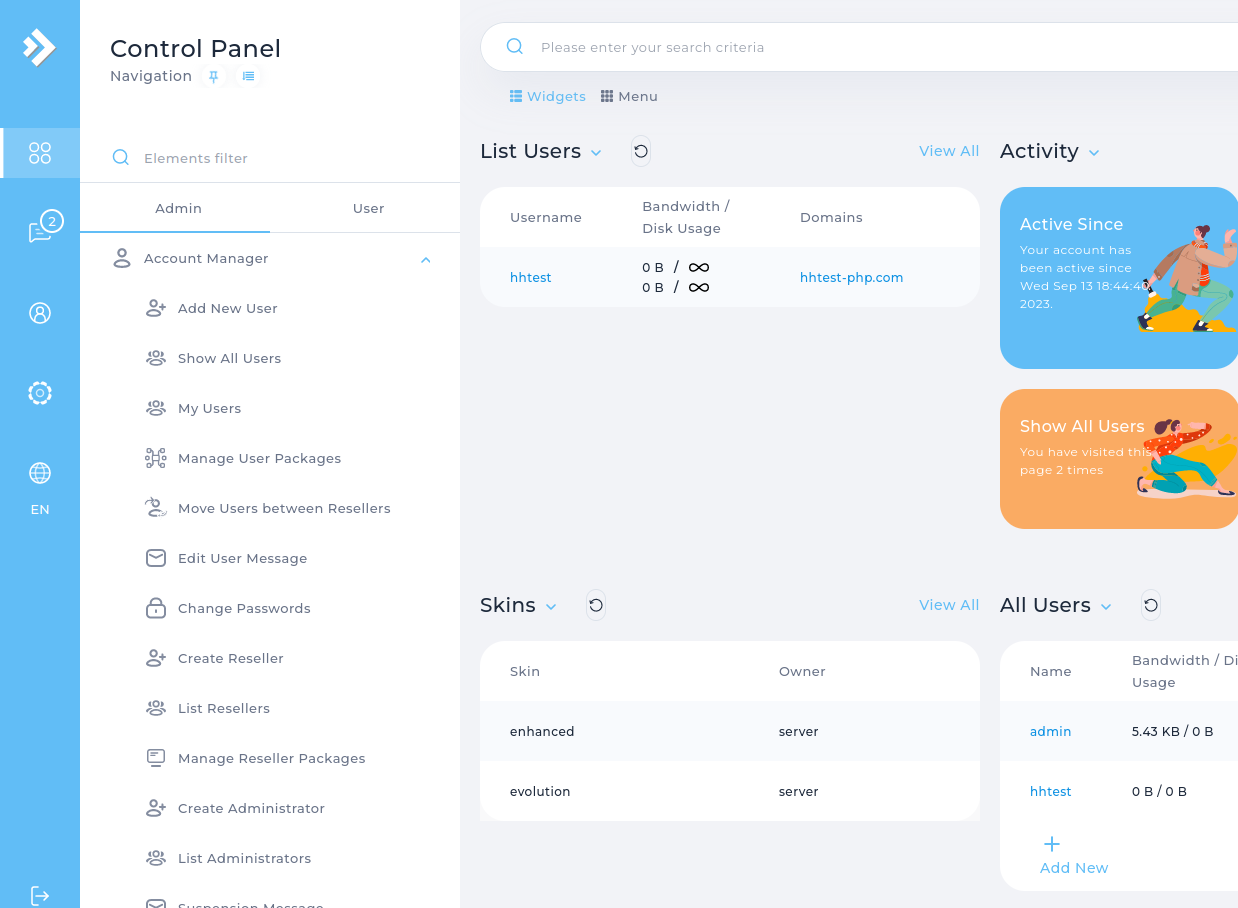
Under the Admin tab, select Show All Users:
-
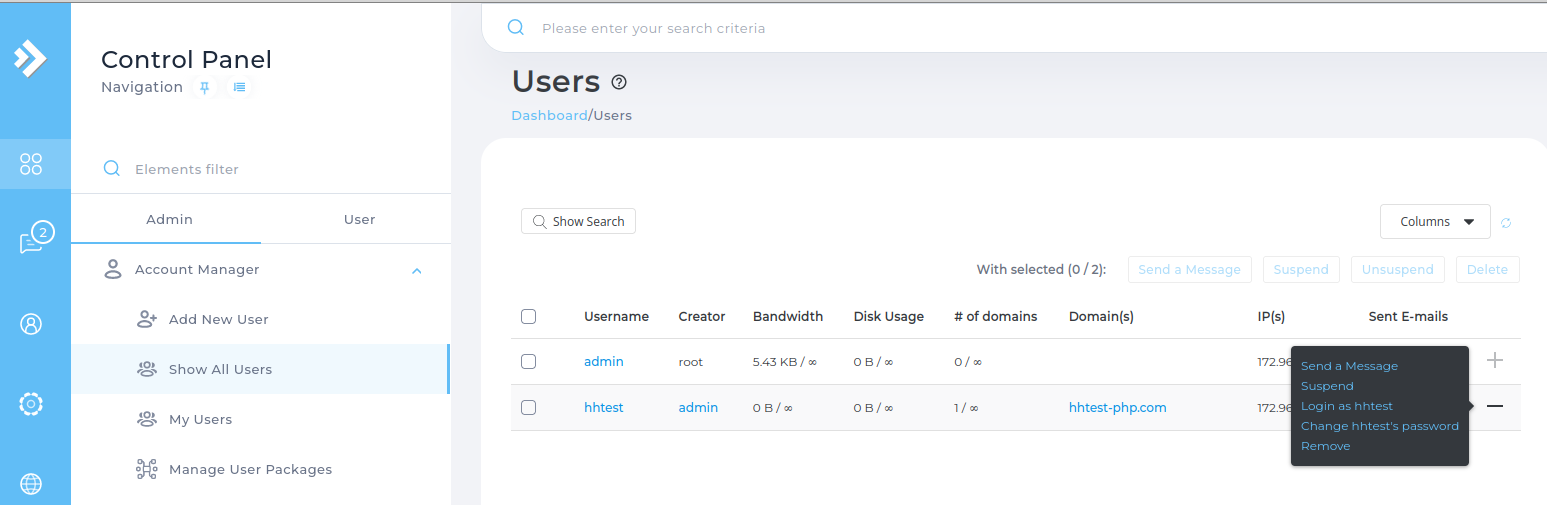
Click the + button next to a user and select Login as <username>:
-
Search for PHP Settings in the menu:
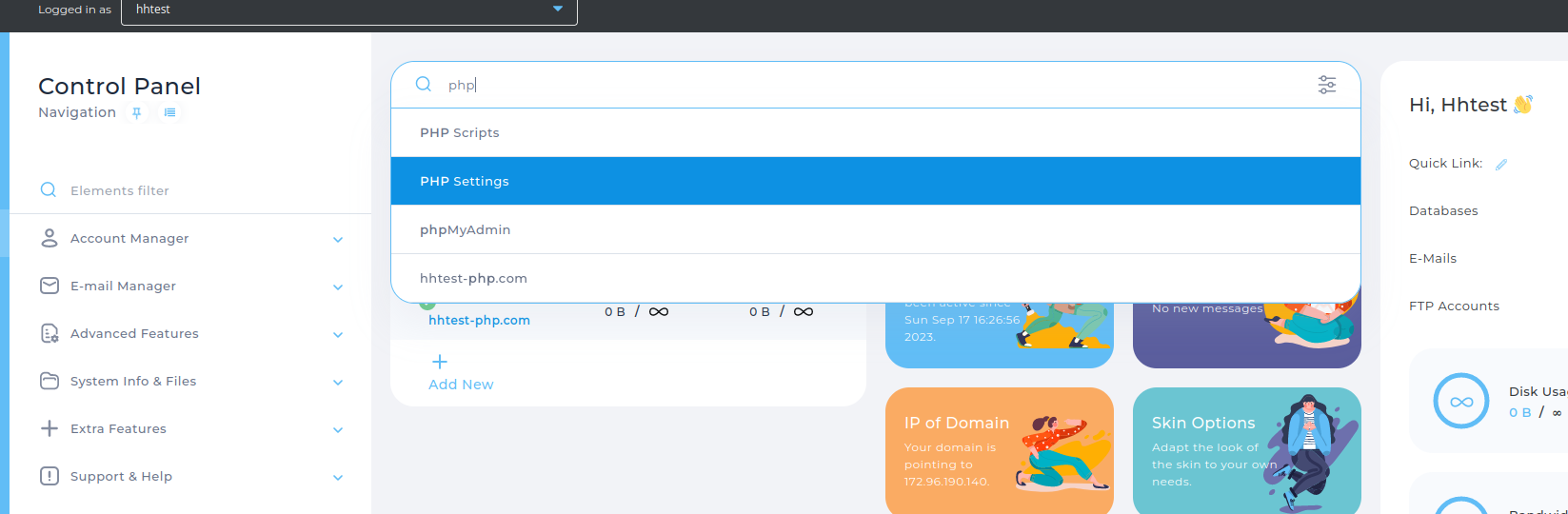
If the PHP Settings page shows a version dropdown, MultiPHP is already enabled. If not, continue below.
Installation
Section titled “Installation”Step 1: Set PHP versions
Section titled “Step 1: Set PHP versions”Log in via SSH as root and navigate to the custombuild directory:
cd /usr/local/directadmin/custombuild./build updateConfigure your desired PHP versions (up to 4). All must use php-fpm mode for MultiPHP. For example, to set up PHP 8.1, 8.0, 7.4, and 7.3:
./build set php1_release 8.1./build set php2_release 8.0./build set php3_release 7.4./build set php4_release 7.3./build set php1_mode php-fpm./build set php2_mode php-fpm./build set php3_mode php-fpm./build set php4_mode php-fpmStep 2: Build the PHP versions
Section titled “Step 2: Build the PHP versions”./build php nThis compiles all configured PHP versions and can take a significant amount of time. We recommend running this inside a screen session to prevent disconnection issues.
Step 3: Build rewrite_confs
Section titled “Step 3: Build rewrite_confs”./build rewrite_confsMultiPHP is now installed. Users can select their PHP version from the PHP Settings page:
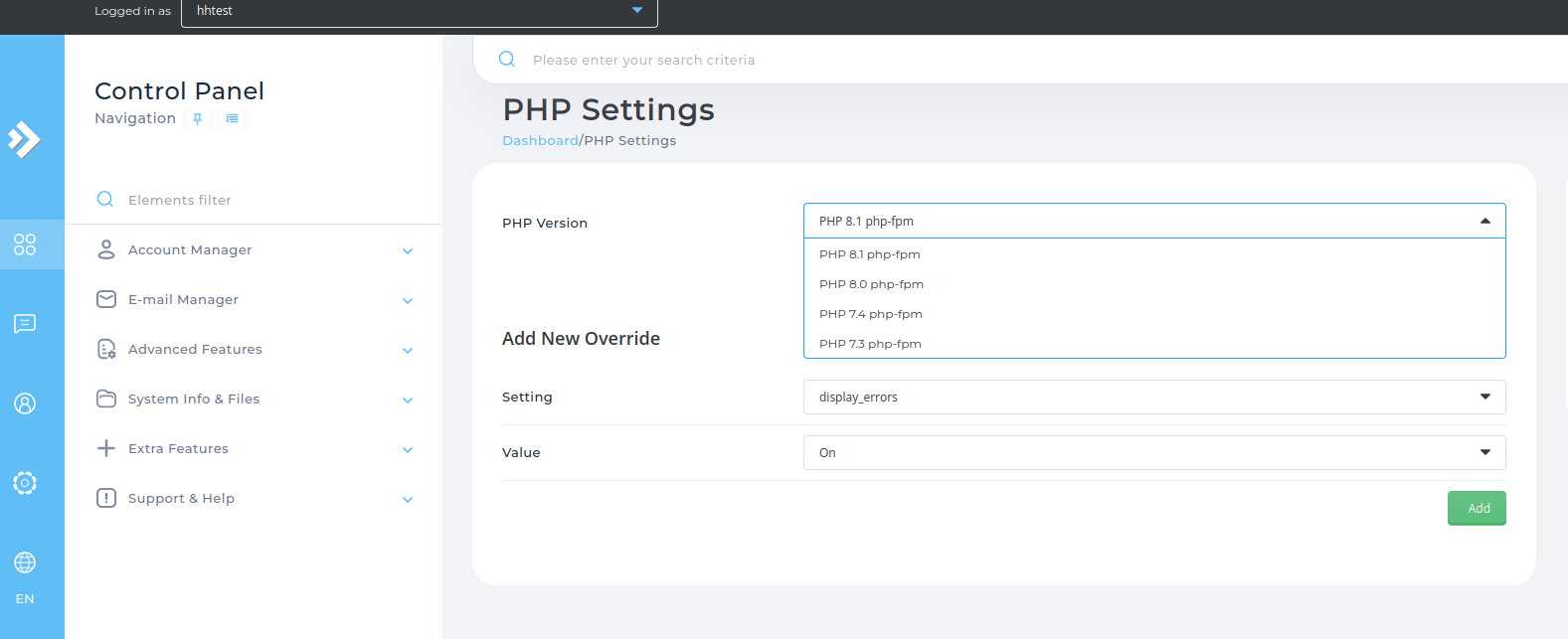
Select the desired PHP version from the dropdown and click Save.