
How do I change my cloud vps root password?
Via SSH
Section titled “Via SSH”-
Log in to your cloud vps via SSH as root. See our SSH connection guides for Windows, macOS, or Linux.
-
Run the following command:
passwd -
Follow the prompts to set a new root password.
-
If successful, you’ll see:
passwd: all authentication tokens updated successfully.
Via the control panel
Section titled “Via the control panel”-
Log in to your client area and navigate to Services > My Services:

-
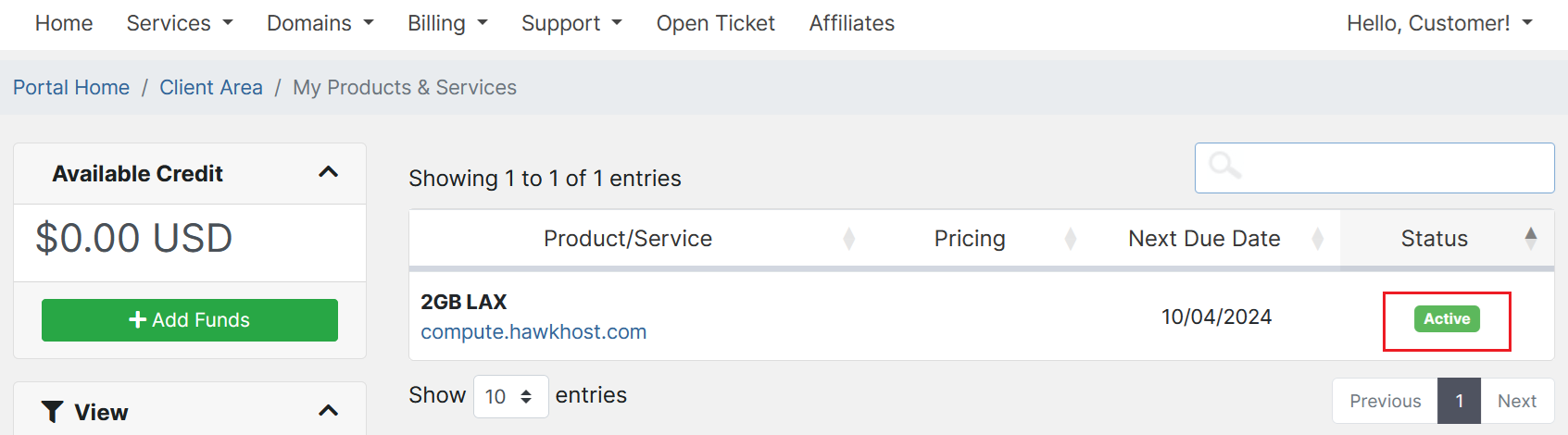
Locate the compute that needs a password reset and click the green Active button:
-
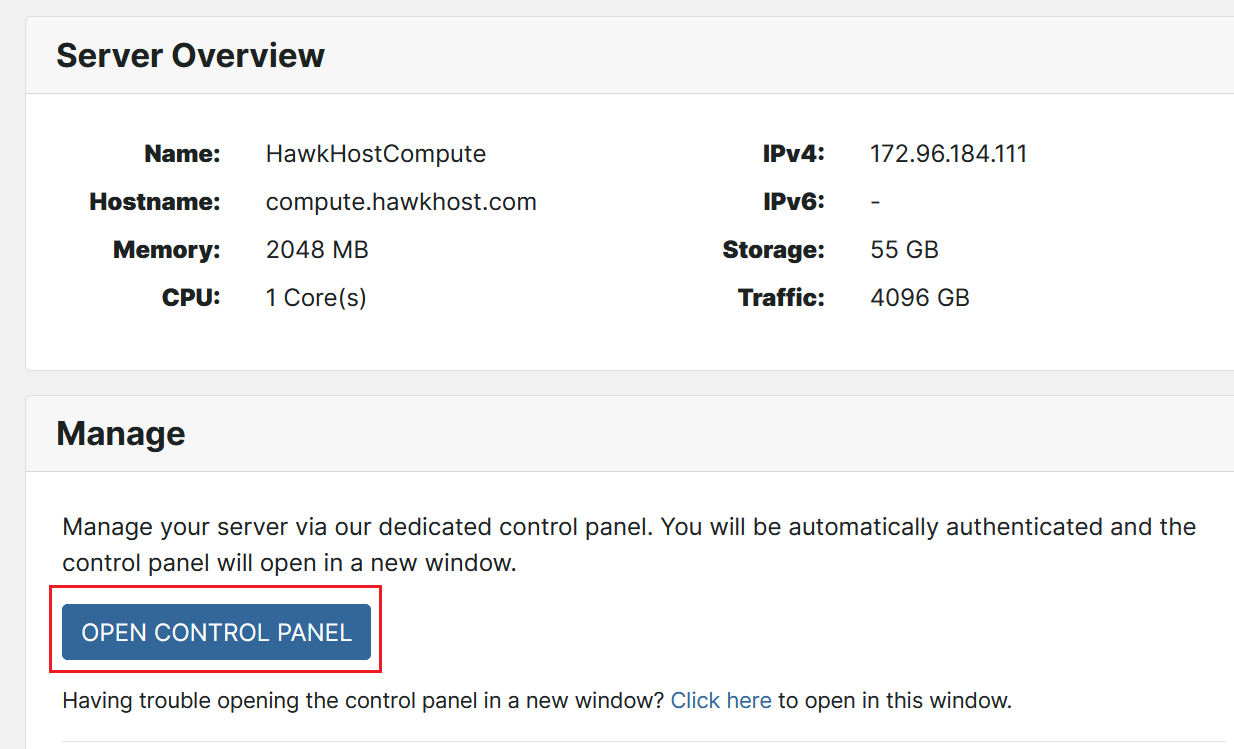
On the Server Overview page, click Open Control Panel:
-
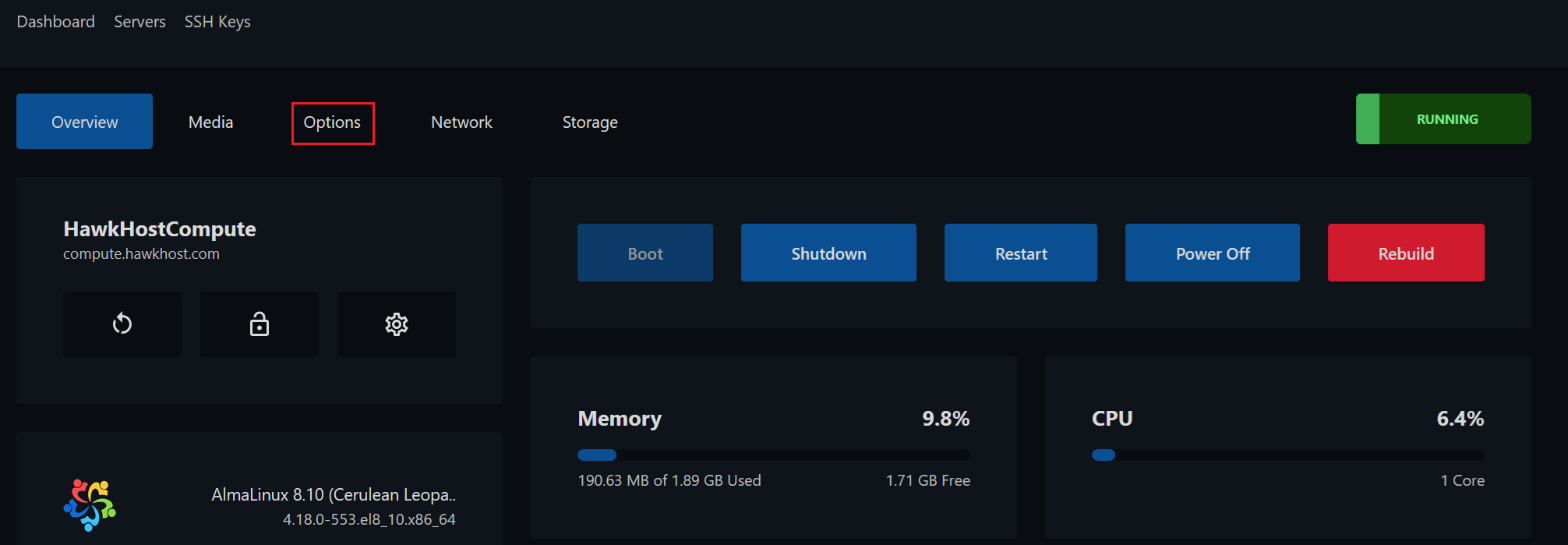
From your cloud.hawkhost.com control panel, click the Options tab:
-
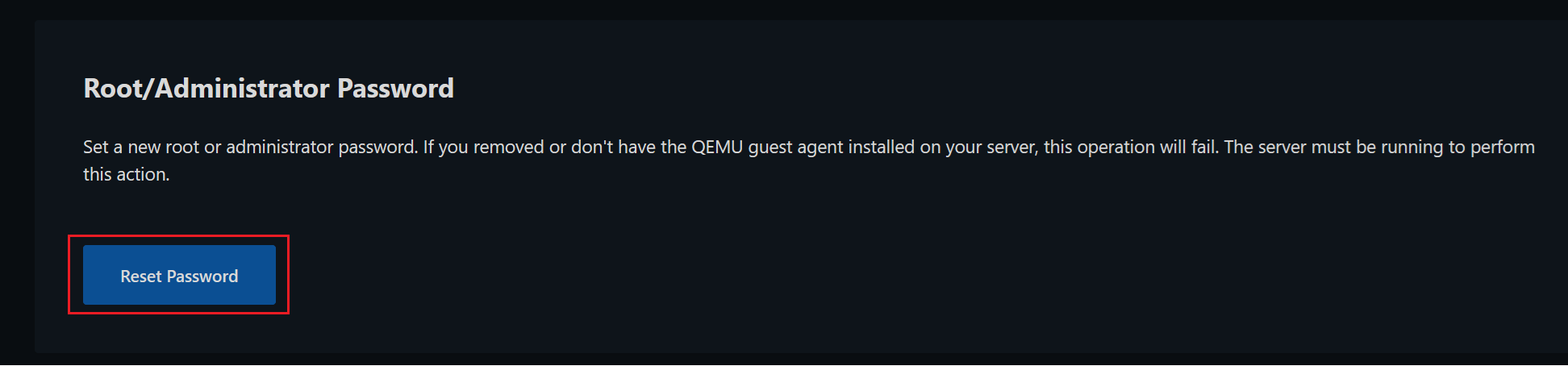
Scroll down and click Reset Password:
-
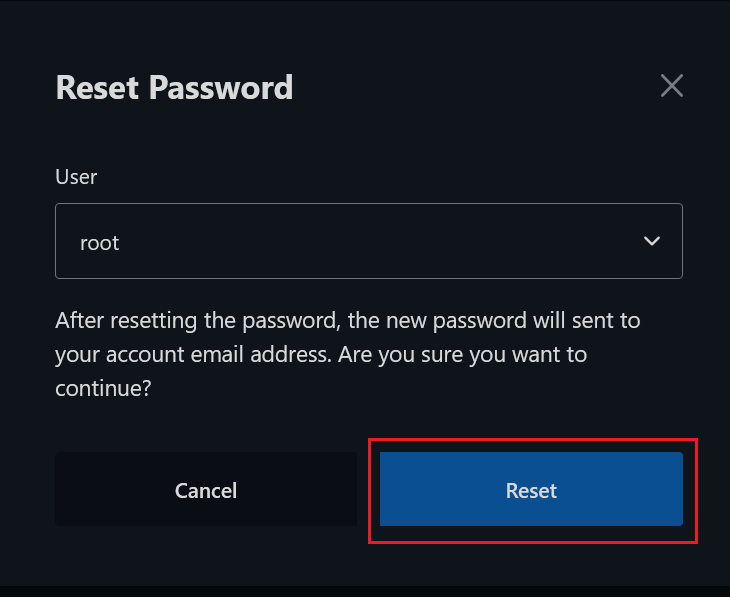
Confirm the reset when prompted:
-
You will receive an email titled “Your New Server Password” containing your new root password. If you don’t receive it, check your spam/junk folder.