
How do I rebuild or format my cloud vps?
Navigate to the control panel
Section titled “Navigate to the control panel”-
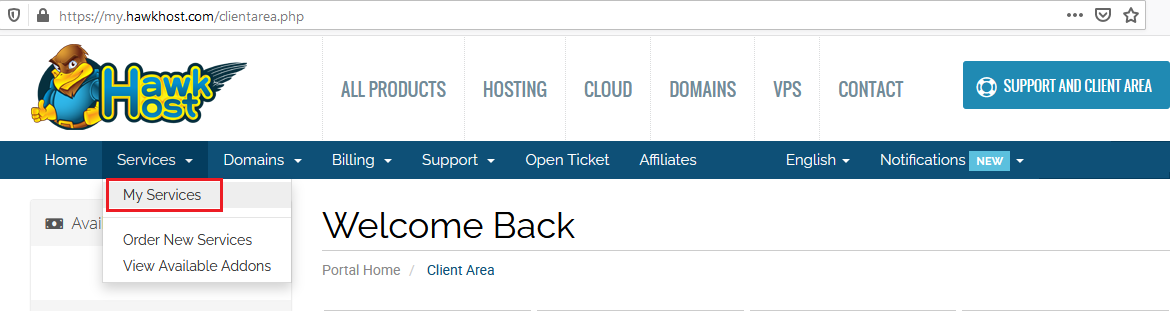
Log in to your client area and navigate to Services > My Services:
-
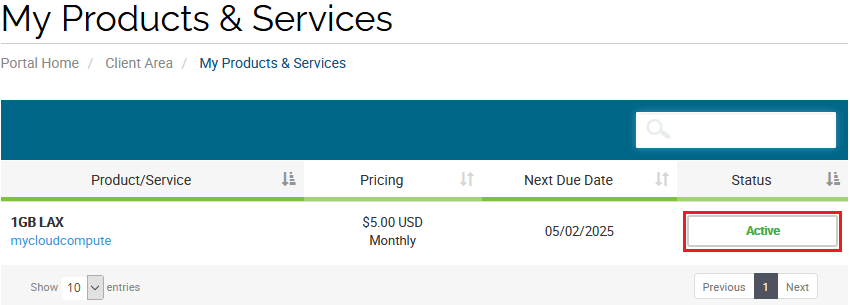
Locate the cloud vps you wish to rebuild and click the green Active button:
-
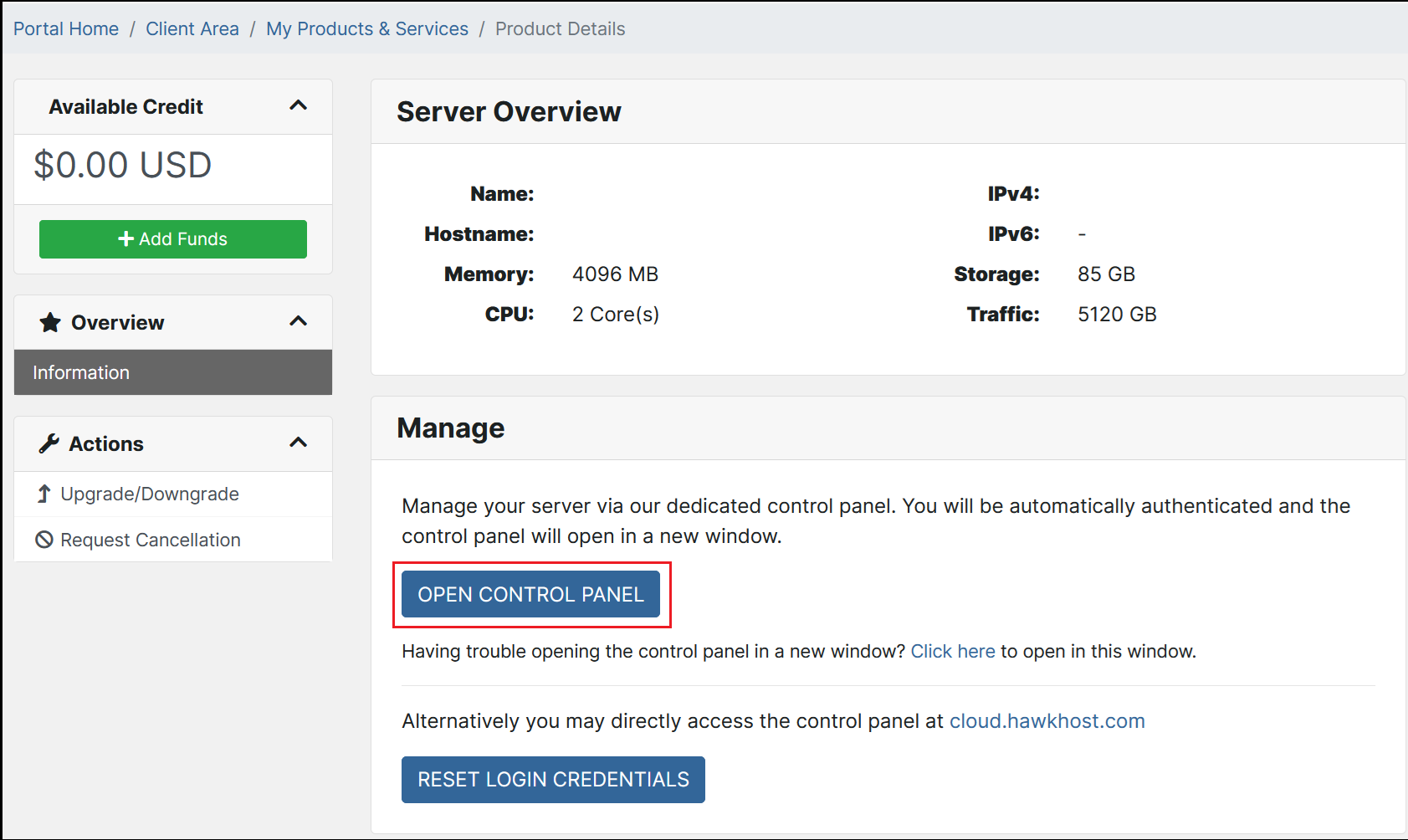
On the Server Overview page, click Open Control Panel:
Rebuild the compute
Section titled “Rebuild the compute”-
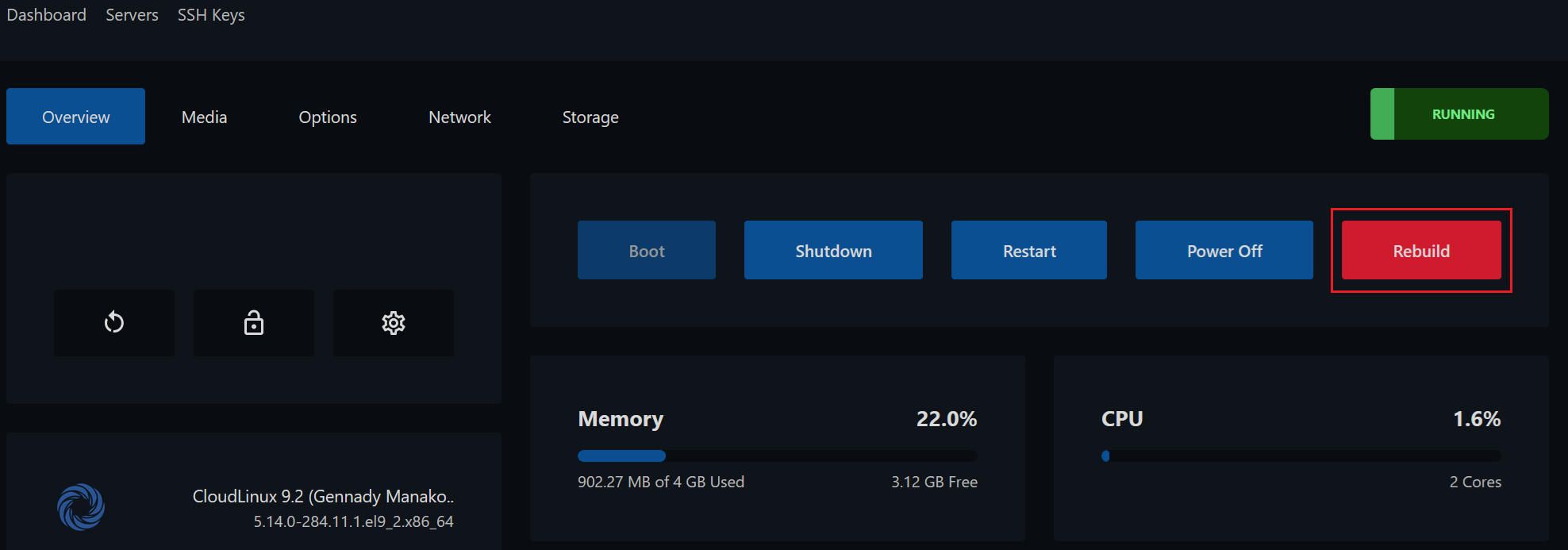
From your cloud.hawkhost.com control panel, click the Rebuild button:
-
Follow the prompts to select your new operating system and complete the rebuild process.
For a list of available operating systems, see Which operating systems are available for cloud vps?