
Domain registrar and WHOIS information
When you register a domain through Hawk Host, you can manage nameservers, WHOIS information, and other settings through your client area. By default, the information provided during signup is used for WHOIS contact details. If you have WHOIS/ID protection enabled, this information will not be publicly visible.
Update WHOIS information
Section titled “Update WHOIS information”-
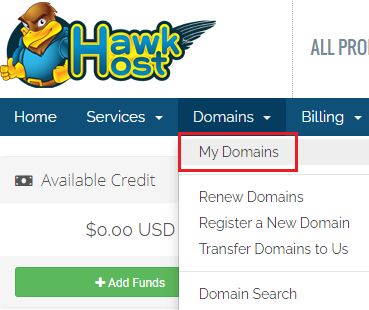
Log in to your client area and navigate to Domains > My Domains:
-
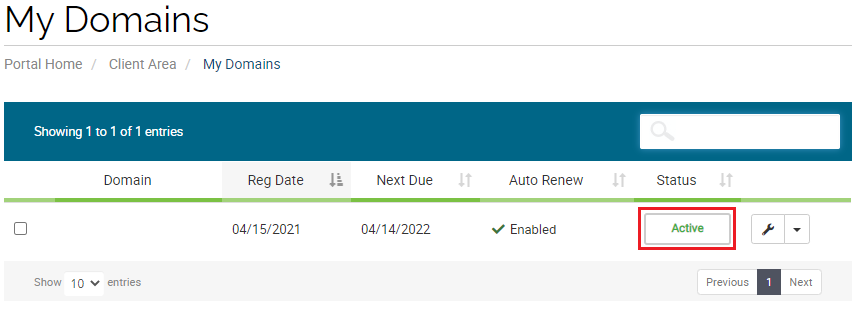
Locate the domain that needs updated WHOIS information and click the green Active button:
-
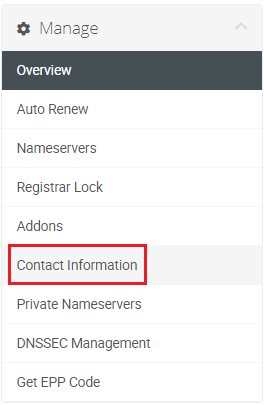
From the domain management page, select Contact Information from the Manage menu on the left:
-
On the following page you can modify your existing WHOIS contact details or add a new contact.