
Where do I find my EPP code?
To transfer your domain to another registrar, you’ll need the domain’s EPP code (also called the auth code or secret code).
Get the EPP code
Section titled “Get the EPP code”-
Log in to your client area and navigate to Domains > My Domains.
-
Click the green Active button next to the domain you’re transferring:

-
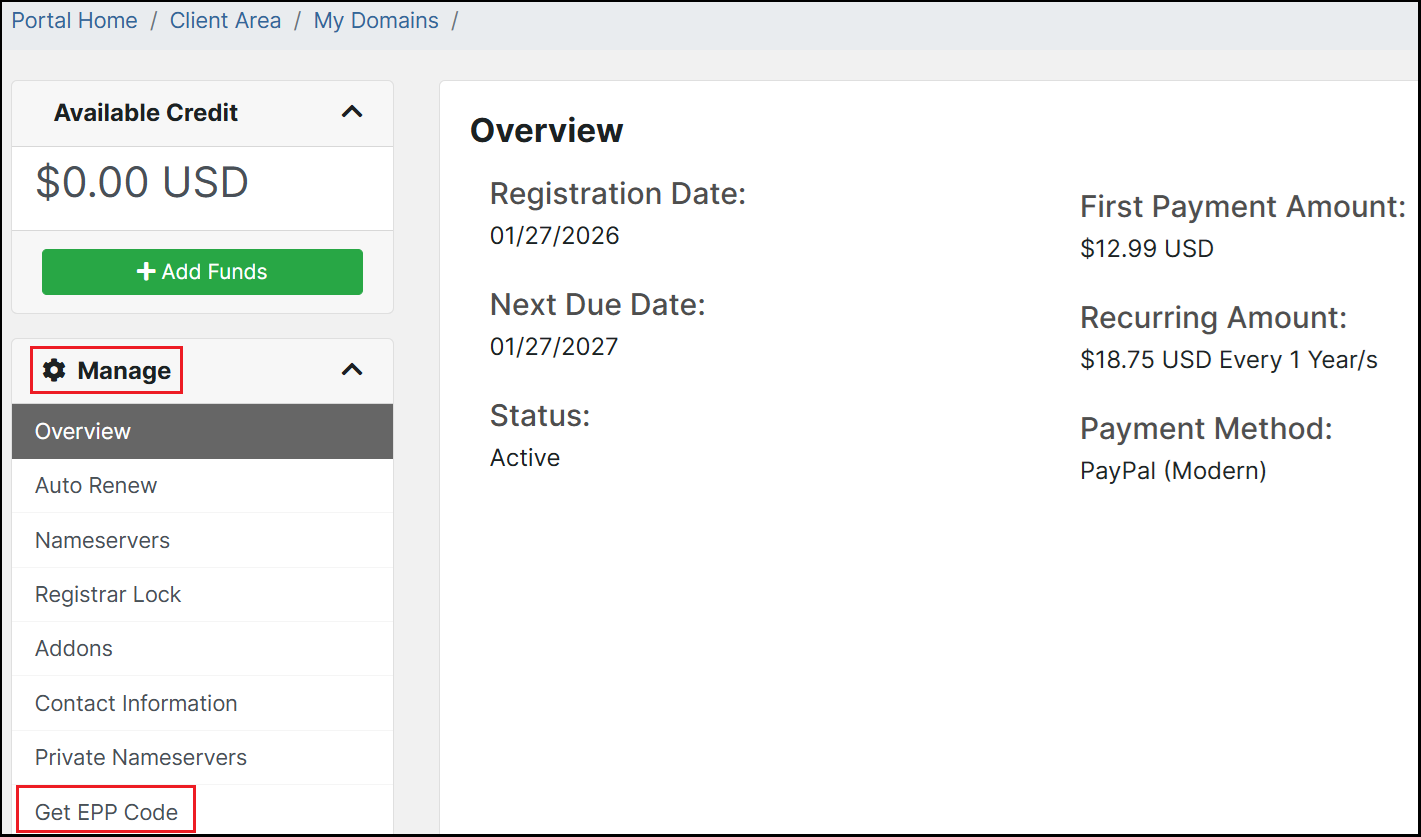
From the domain management page, click Get EPP Code in the Manage menu on the left:
-
Your EPP code will either be displayed on screen or emailed to you, depending on when the domain was registered.
Before transferring
Section titled “Before transferring”Make sure you also:
- Disable WHOIS/ID protection if enabled
- Remove the registrar lock from the domain
If you have trouble obtaining your EPP code, email billing@hawkhost.com or open a billing ticket.