
How to create a Node.js application
We support deploying Node.js applications via mod_passenger through the Setup Node.js App interface in cPanel:
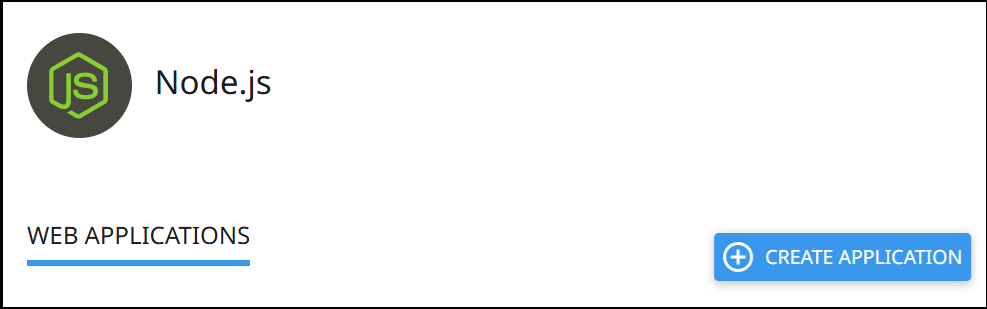
Creating an application
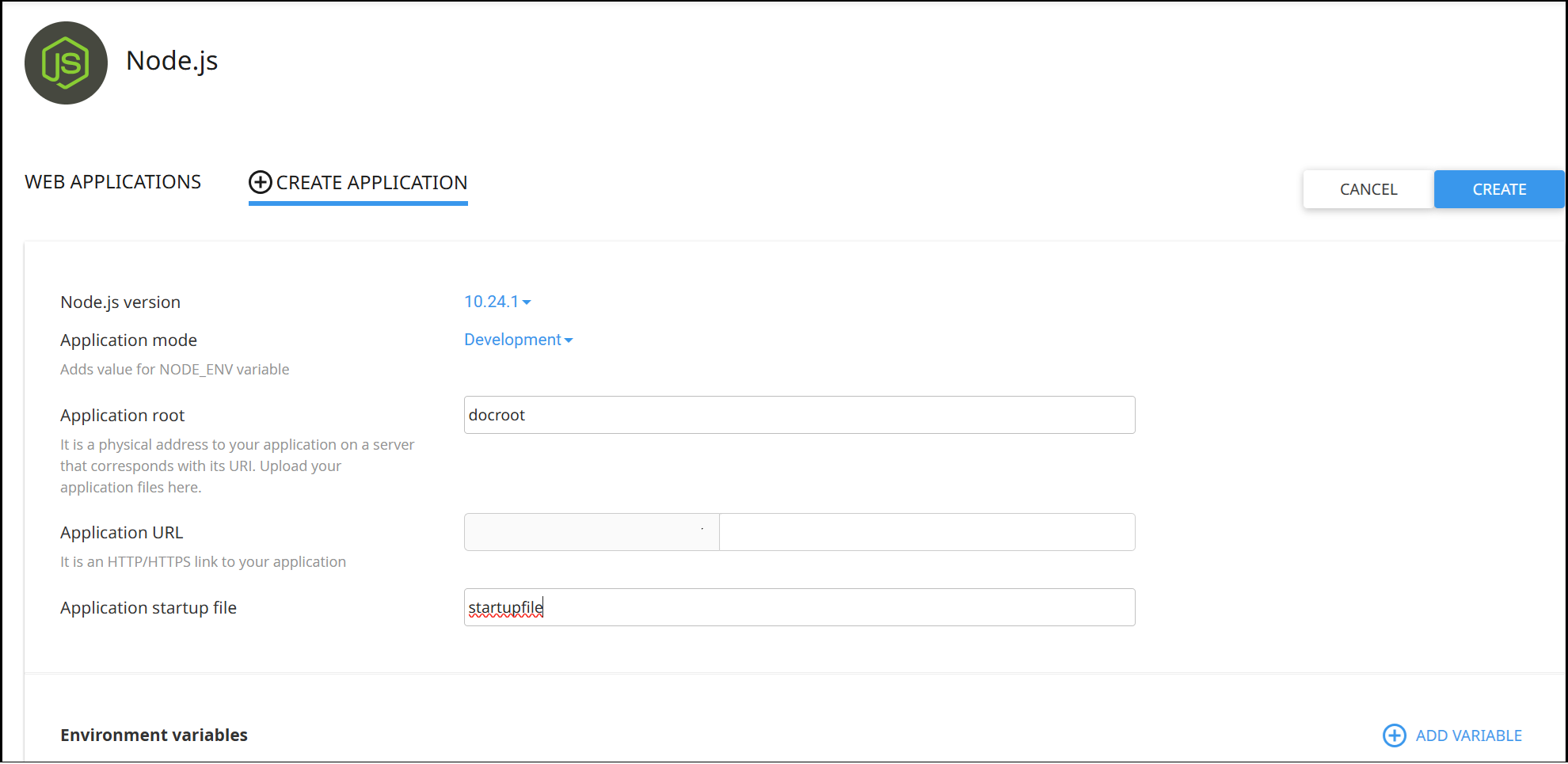
Section titled “Creating an application”Click Create Application and configure the following:
- Node.js version — Select your desired version
- Application mode — Development or Production
- Application root — Directory containing your app files
- Application URL — The URL your app will be accessible at
- Application startup file — The entry point for your application
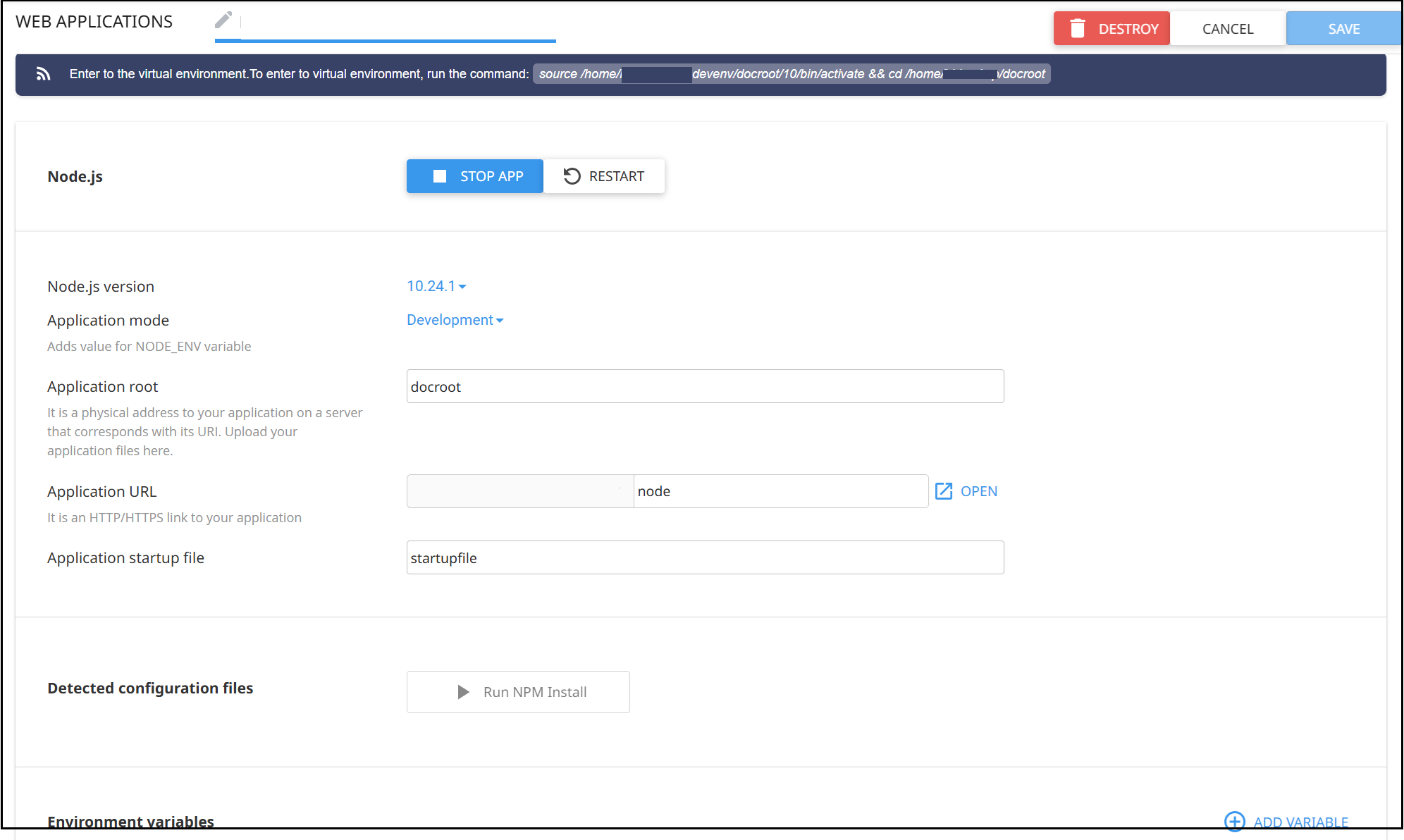
Once created, you can run npm install if you have a package.json file:
Managing applications
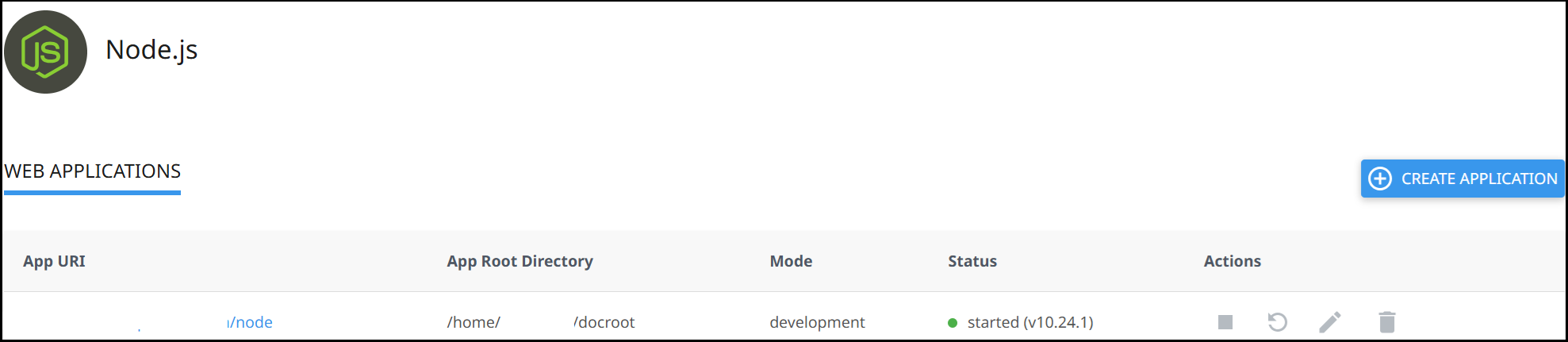
Section titled “Managing applications”All your applications are listed under the Web Application section. From here you can stop, restart, edit, and delete your applications:
For available Node.js versions, see Available Node.js versions. To set up console logging, see Node.js set console log location.