
How to create a Python application
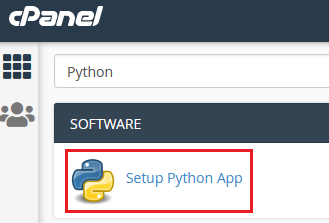
We support deploying Python applications via mod_passenger through the Setup Python App interface in cPanel. Search for “Python” in the cPanel search bar to find it:
The interface supports environment variables, start/stop/restart controls, configuration file management, and bulk module installation via requirements files.
Creating an application
Section titled “Creating an application”-
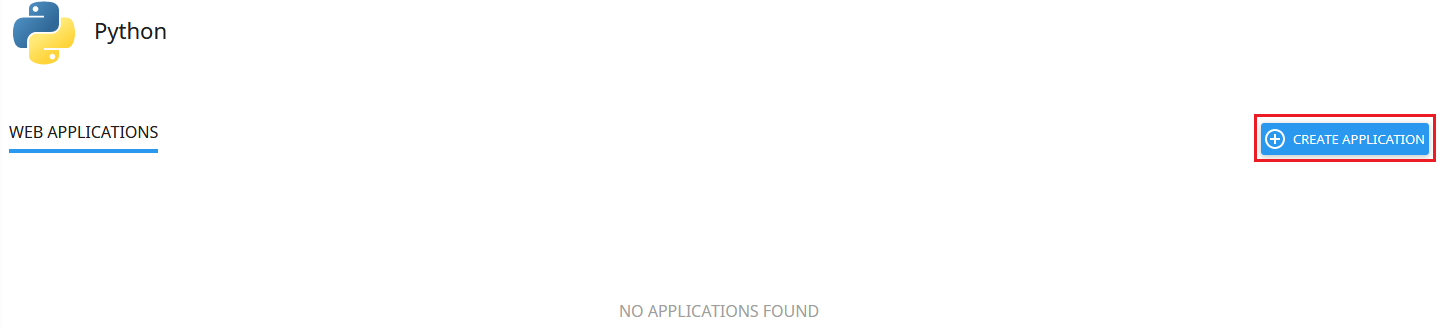
Click Create Application:
-
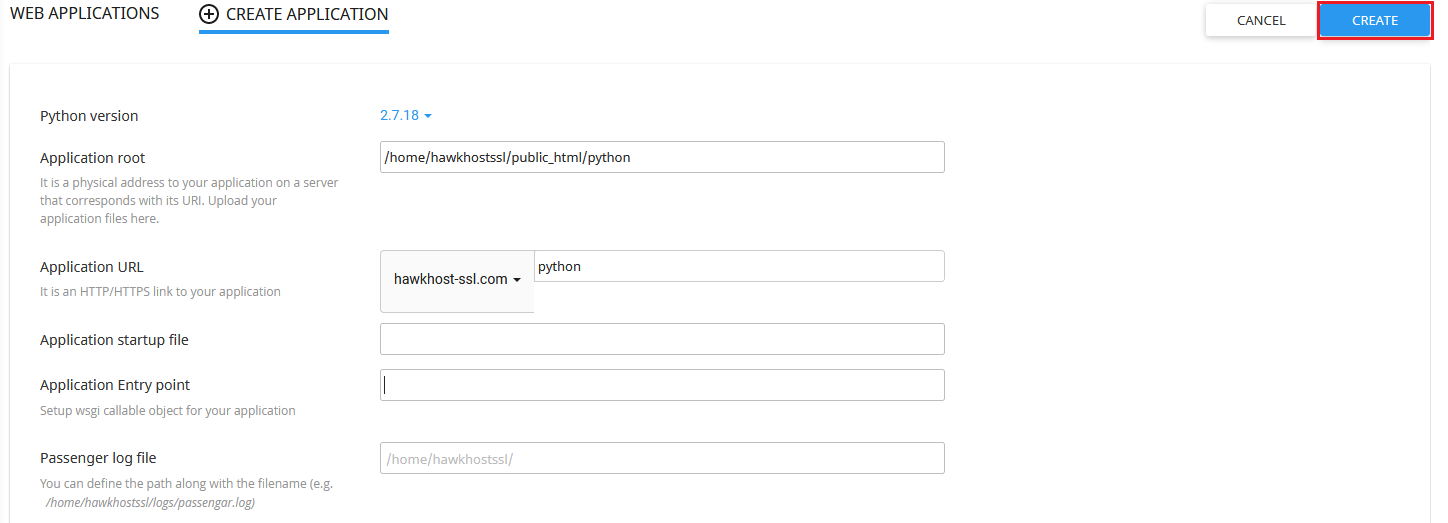
Choose your desired Python version.
-
Set the Application Root directory (preferably within your domain’s home directory, e.g.,
/home/username/public_html/python). -
Set the Application URL to the publicly accessible URL that corresponds to your Application Root.
-
Leave Application Startup File and Application Entry Point empty unless your application requires specific values. The Passenger Log File defaults to your home directory.
-
Click Create:
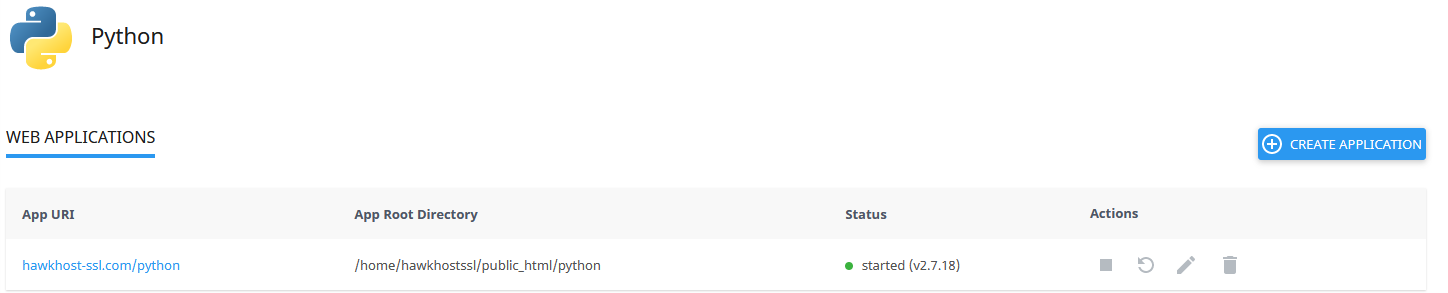
Once created, the application will appear under the Web Applications table:
For available Python versions and CLI paths, see Available Python versions.