
How do I enable or disable ModSecurity (ModSec) through cPanel?
All shared, reseller, and semi-dedicated services have ModSecurity enabled by default. ModSecurity provides an extra layer of security by protecting your sites from known exploits. It is generally best practice to keep ModSec enabled.
Troubleshooting 403 errors from ModSecurity
Section titled “Troubleshooting 403 errors from ModSecurity”A 403 Forbidden error is a common symptom of triggering a ModSec rule. To resolve this:
-
Open a support ticket and provide your IP address (check at myip.hawkhost.com) so we can identify the specific ModSec rule being triggered.
-
Once the rule ID is identified, you can disable that specific rule by adding the following to your
.htaccessfile:SecRuleRemoveById 12345Replace
12345with the actual rule ID provided by our support team.
Fully disabling ModSecurity
Section titled “Fully disabling ModSecurity”If you need to disable ModSec entirely for a domain:
-
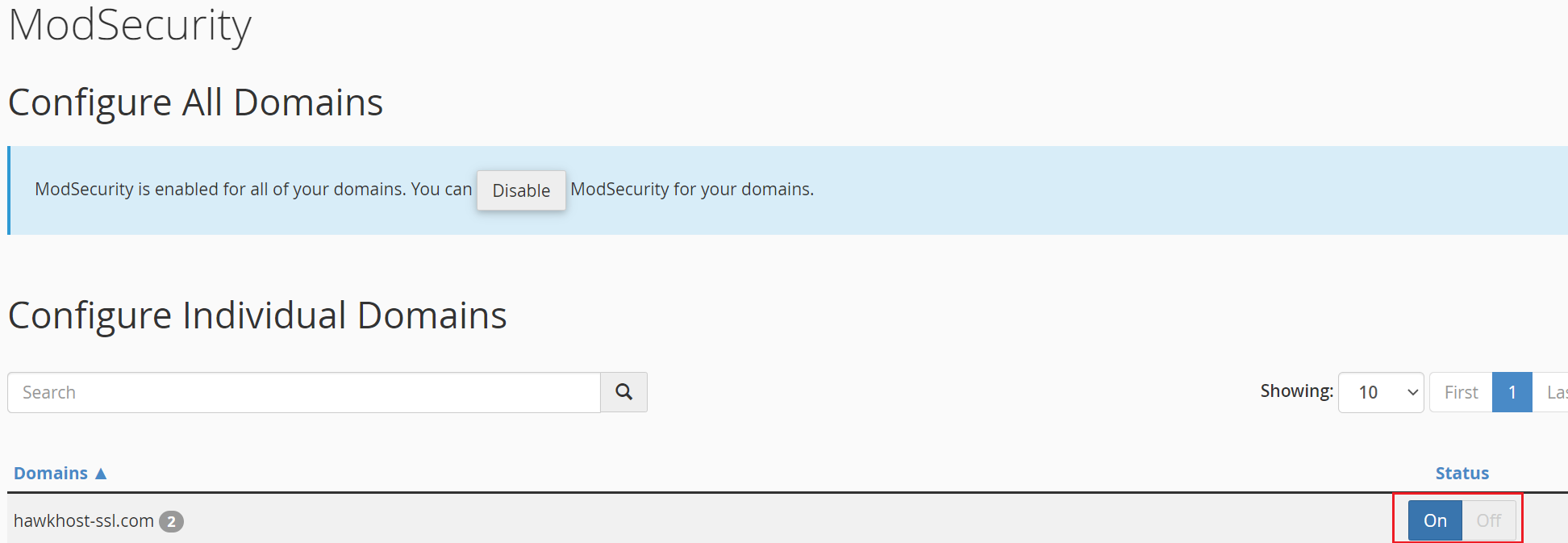
Log in to cPanel and search for ModSecurity:

-
Locate the domain and toggle the On/Off switch to disable ModSec:
-
ModSecurity is now disabled for that domain.