
Email server-side filters (Sieve)
Our cPanel servers support server-side Sieve filters using the Dovecot Pigeonhole project. You can manage Sieve filters through Roundcube webmail or any email client that supports the ManageSieve protocol.
Creating a filter in Roundcube
Section titled “Creating a filter in Roundcube”-
When viewing an email message, click More and select Create Filter:
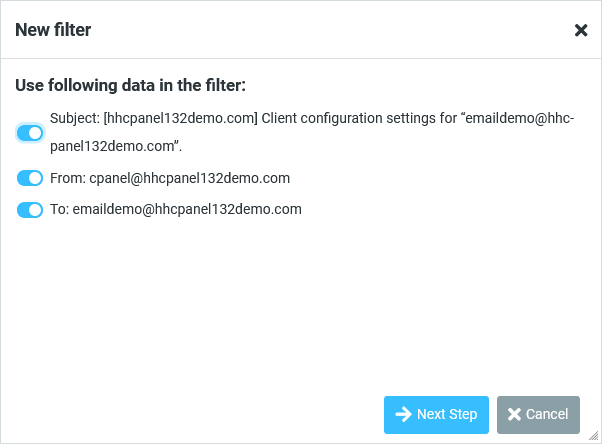
-
Configure your filter rules, including the conditions (subject, from, to) and the action to take (move to folder, delete, etc.):
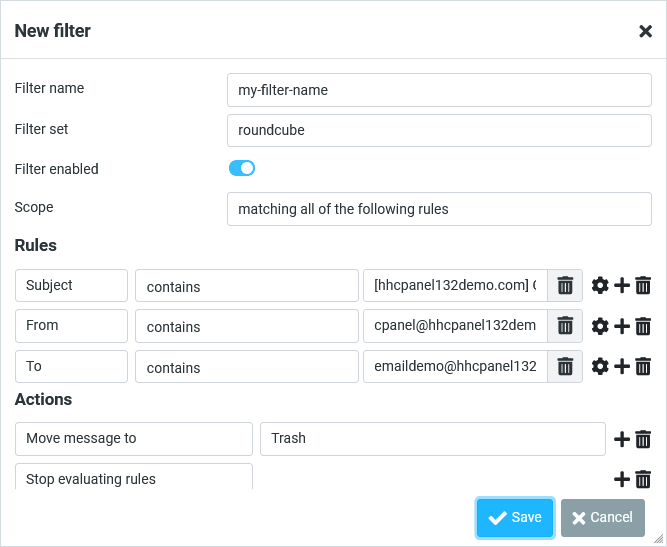
-
Once created, the filter is stored on the server and applied to all new incoming messages regardless of which email client you use.
Managing existing filters
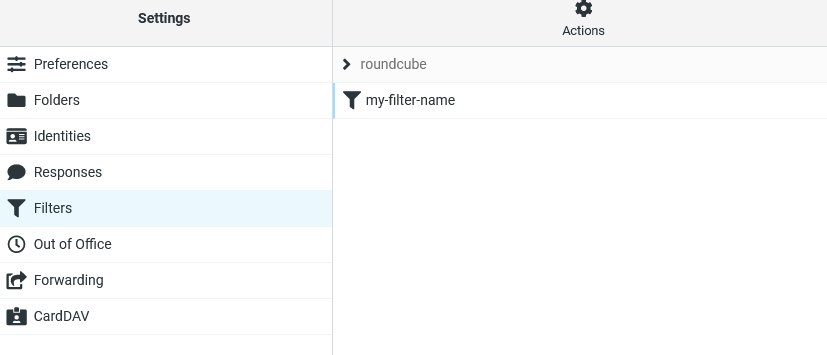
Section titled “Managing existing filters”Navigate to Settings > Filters in Roundcube to view, modify, or delete your existing filter rules:
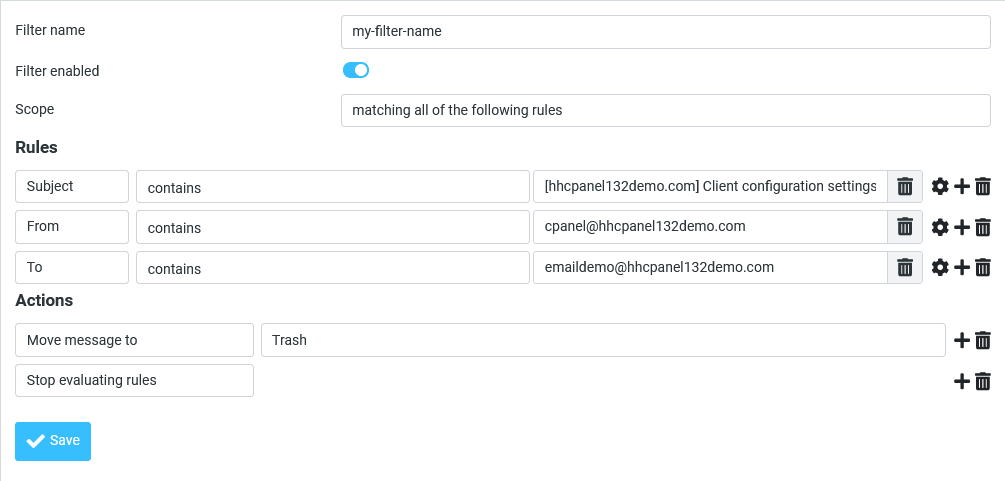
For other email clients or Sieve management tools, refer to their documentation for instructions on managing server-side filters.