
How do I create or configure email addresses?
All shared, cloud web hosting, semi-dedicated, and reseller hosting plans include unlimited email addresses with full POP3, SMTP, and IMAP support.
Creating a new email address
Section titled “Creating a new email address”-
Log in to cPanel and search for Email Accounts:
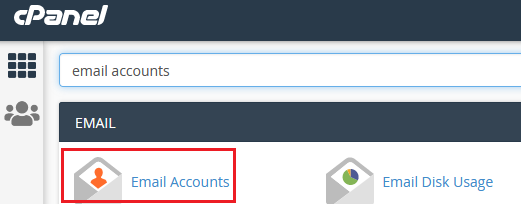
-
Click Create:
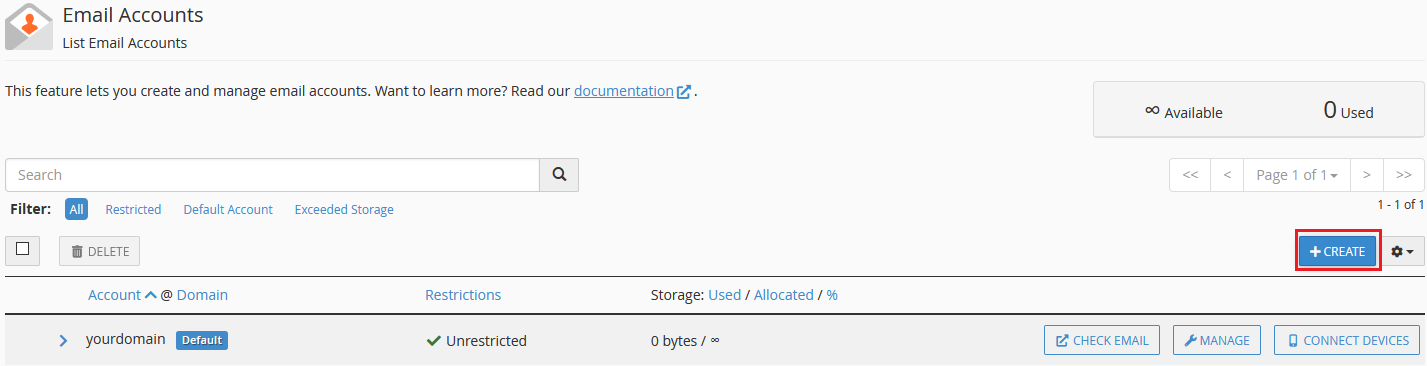
-
Fill out the email username, password, and storage quota, then click Create:
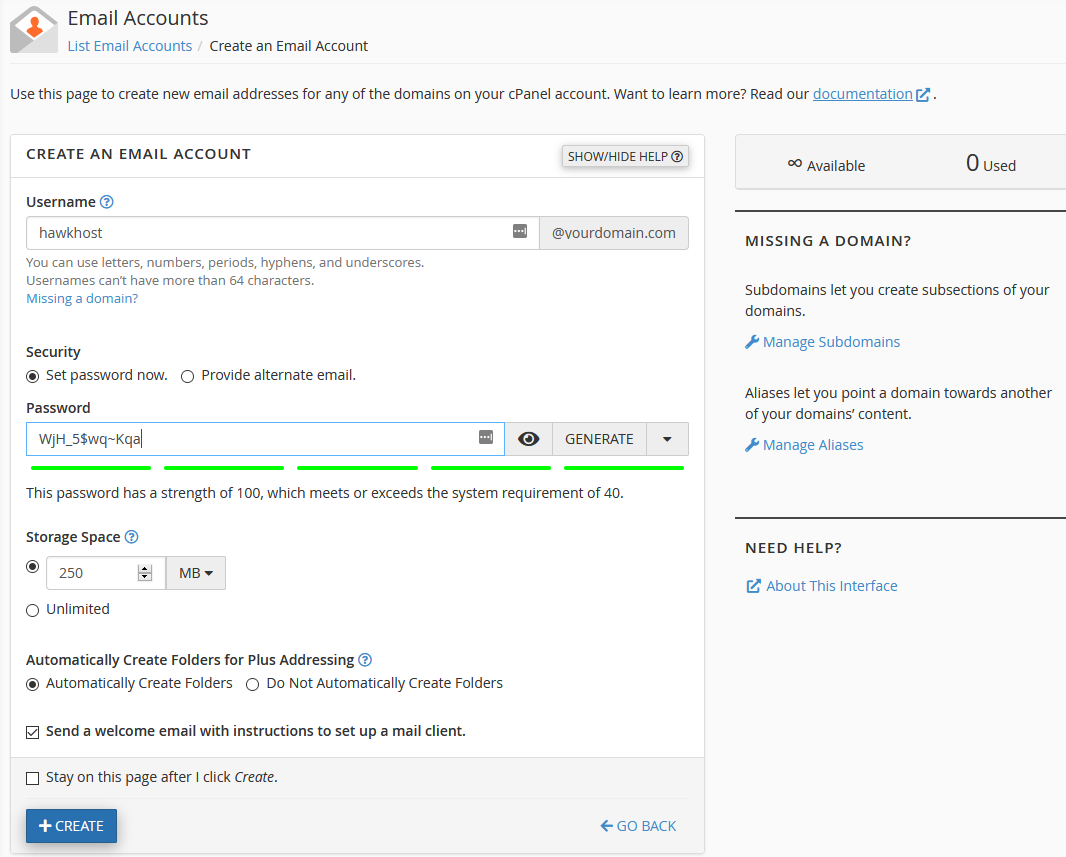
Configuring an email client
Section titled “Configuring an email client”To set up Outlook, Apple Mail, your phone, or any other email client:
-
In the Email Accounts interface, click Connect Devices next to your email address:
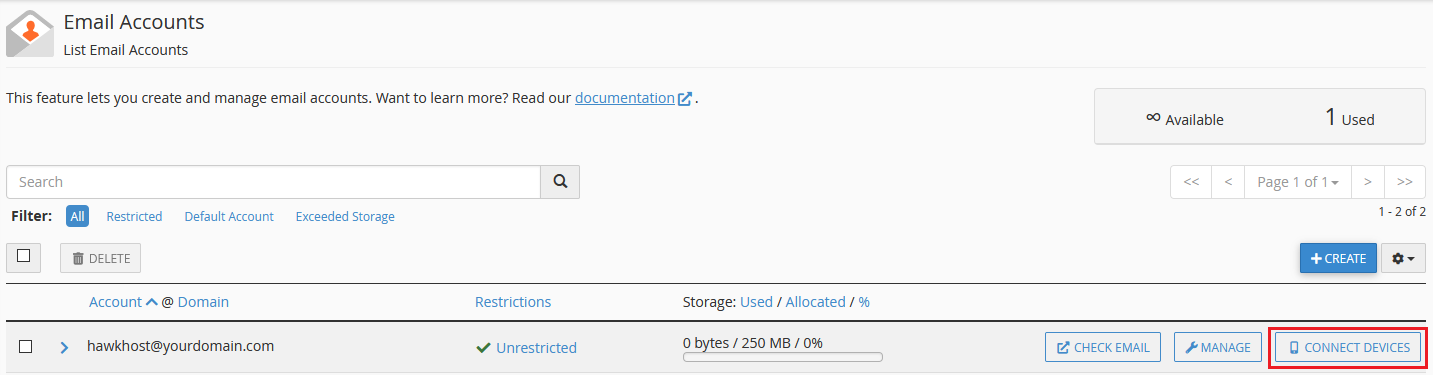
-
The page will display your incoming server, outgoing server, and port information. You can also download automatic configuration scripts or send the settings to another email address.
For a quick reference of server settings, see Email server settings (POP3, SMTP, IMAP).
Accessing webmail
Section titled “Accessing webmail”Webmail can be accessed directly at https://yourdomain.com/webmail or https://yourdomain.com:2096.
You can also access it through cPanel:
-
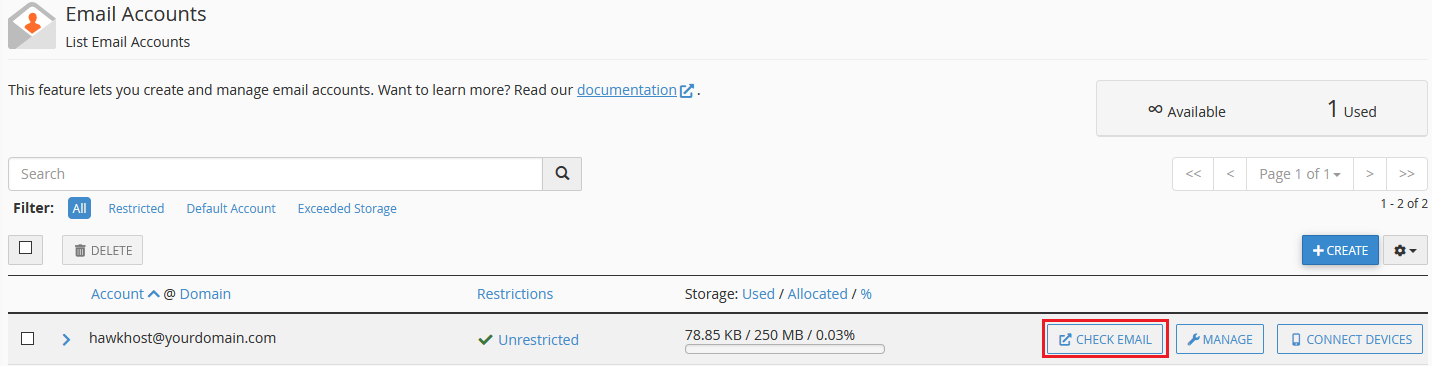
In the Email Accounts interface, click Check Email next to your email address:
-
Click Roundcube to open the webmail interface.