
How do I get started with the free Weebly site builder?
Legacy Weebly Instructions
Section titled “Legacy Weebly Instructions”The following instructions are preserved for reference only. Weebly is no longer available on Hawk Host plans.
All cloud web hosting and semi-dedicated hosting plans previously included access to Weebly, a free drag-and-drop site builder. Your website had to be hosted through Hawk Host servers to use Weebly.
Setting Up Weebly (Historical)
Section titled “Setting Up Weebly (Historical)”-
Log in to your client area at https://my.hawkhost.com/clientarea.php.
-
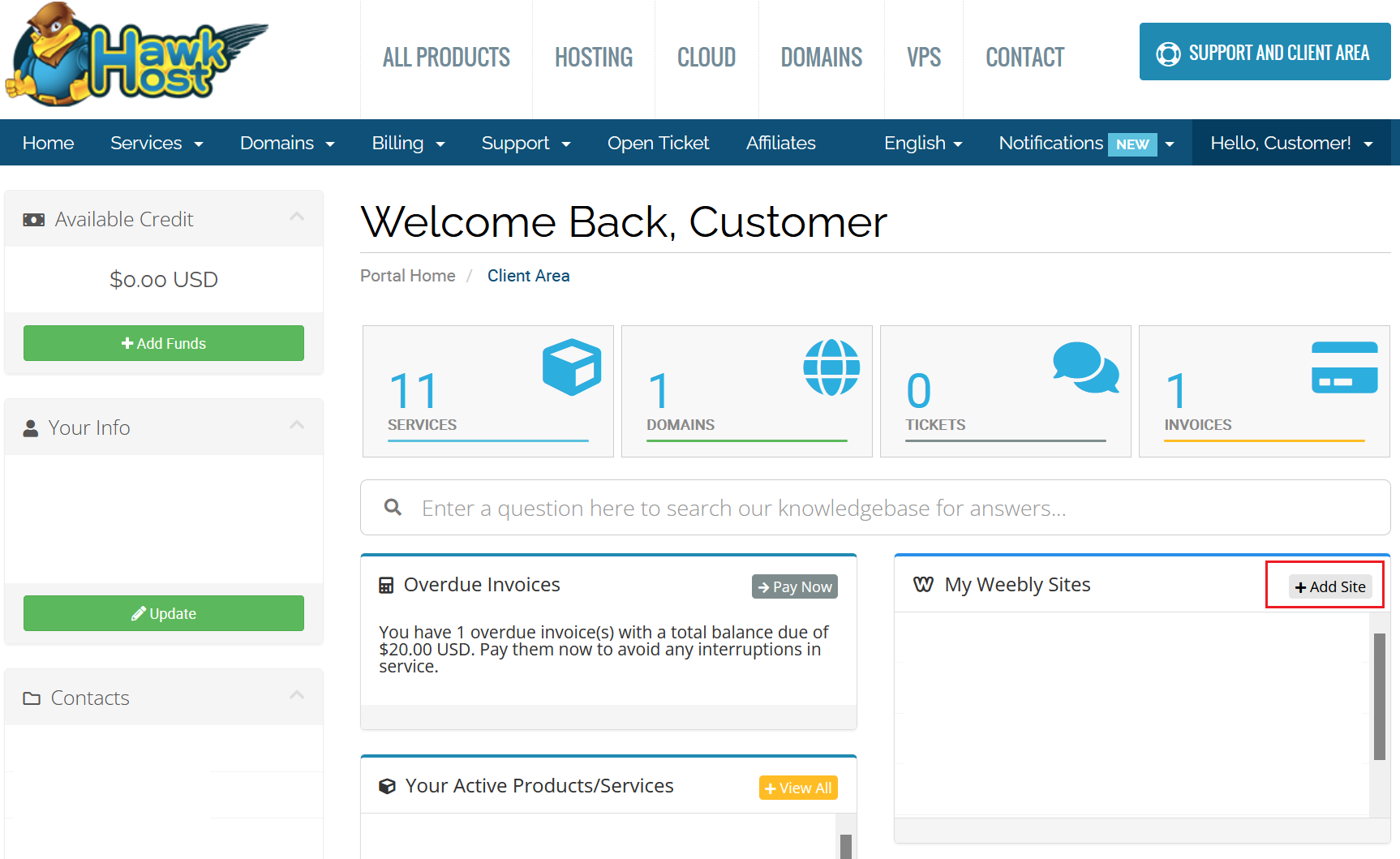
From your client area dashboard, locate the Weebly box with an +Add Site icon and click it.
-
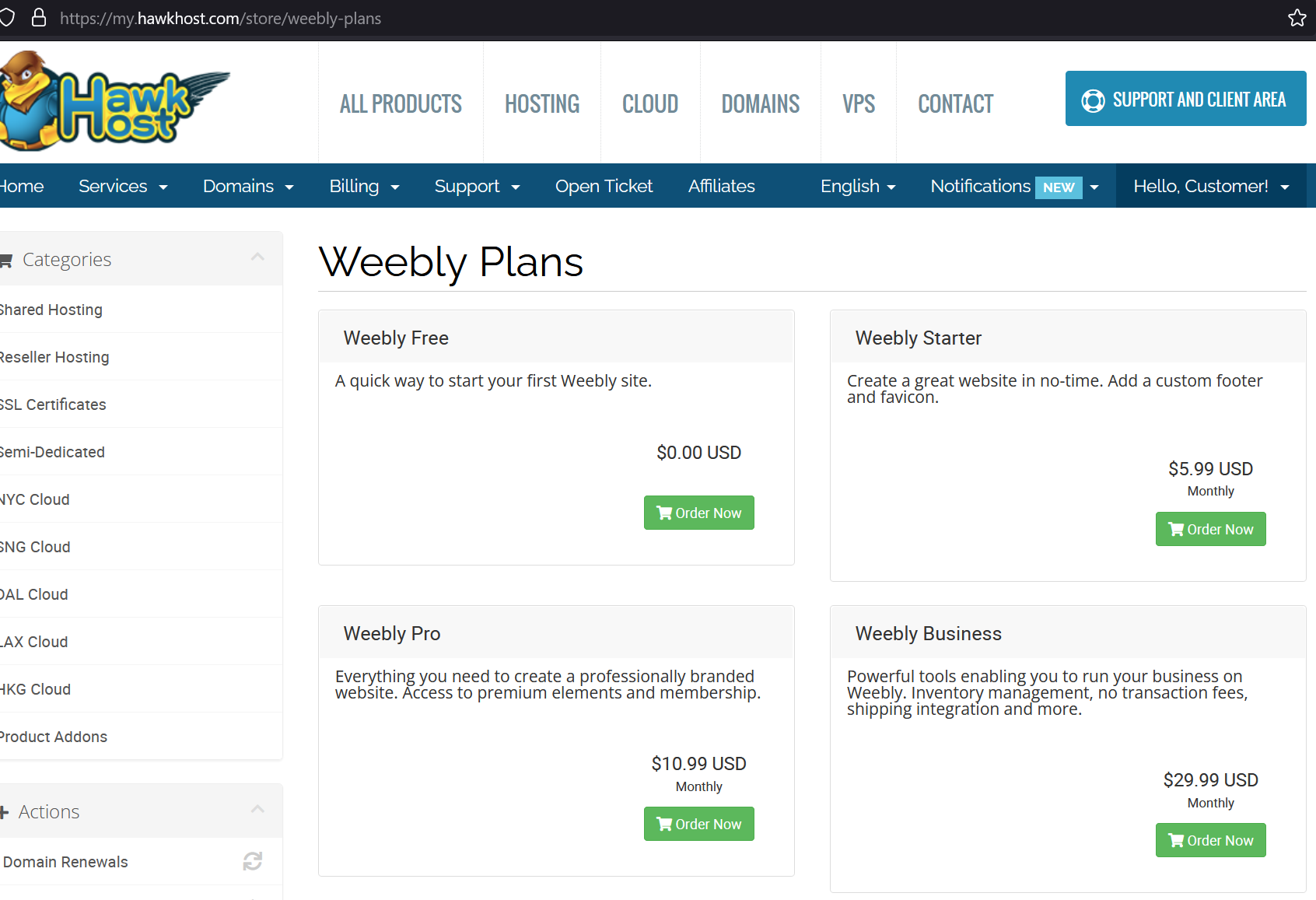
You would be redirected to the cart to choose your desired Weebly plan. Plans could be upgraded or downgraded at any time.
-
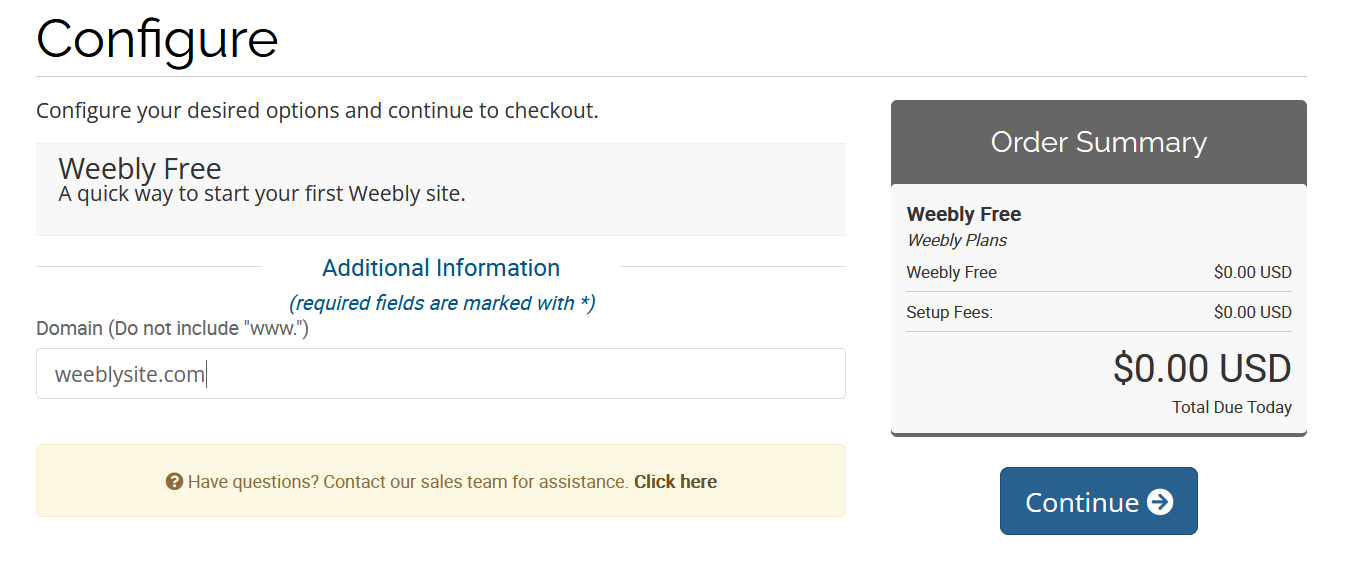
On the next checkout step, enter the domain name to use with Weebly.
-
Complete the remaining checkout steps to submit your Weebly order. If you selected the Free Weebly plan, the order amount would be $0.00.
-
Once your order was submitted, the Weebly service would be activated. You could then revisit your client area dashboard to begin editing and building your Weebly site.