
How do I use Redis on my hosting account?
All shared, cloud web hosting, semi-dedicated, and reseller hosting plans include a free Redis instance. Redis is enabled through cPanel’s Server Application Manager.
Enabling Redis
Section titled “Enabling Redis”-
Log in to cPanel and search for Server Application Manager.
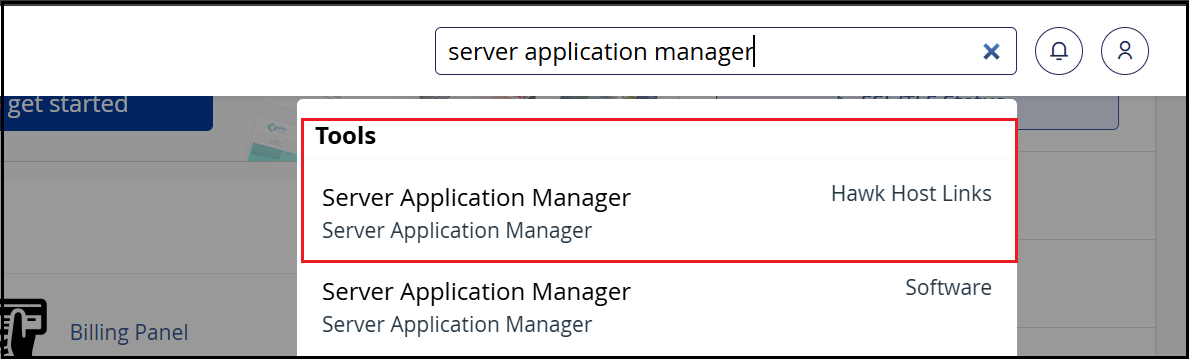
-
Find Redis in the list and click Enable under the Actions column.

-
It can take up to 5 minutes for your Redis instance to start. Refresh the page until the status changes to Online.
-
Once online, your Redis socket path will be displayed. Use this socket path when configuring your application.

Using Redis with your application
Section titled “Using Redis with your application”When configuring your CMS or application to use Redis, use the Unix socket path shown in the Server Application Manager — not localhost or 127.0.0.1. For WordPress with LiteSpeed Cache, see Configuring Redis or Memcached socket with LSCache for WordPress.
If you have any issues starting Redis or configuring your application, contact our support team.