
Imunify360 Password Compromise Alert Notice
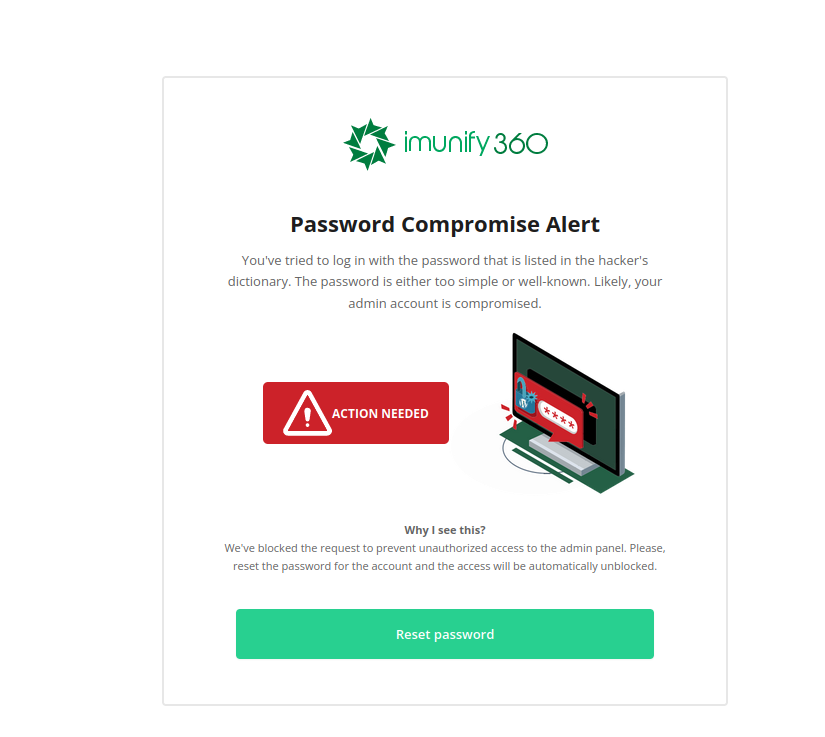
When logging in to your WordPress or other CMS admin panel, you may see a notice from Imunify360 indicating your password has been compromised:
What this means
Section titled “What this means”Imunify360 checks your CMS administrator password against a database of known compromised, easily guessable, and commonly brute-forced passwords. This security feature ensures your admin credentials are strong enough to resist brute-force attacks and credential-stuffing attacks using stolen password lists.
What to do
Section titled “What to do”If you see this notice, you should immediately reset your administrator password to a strong, unique password. Follow the official documentation for your CMS:
| CMS | Password Reset Instructions |
|---|---|
| WordPress | Reset WP Admin Password |
| Joomla | Reset Joomla Admin Password |
| Magento | Reset Magento Admin Password |
Tips for a strong password
Section titled “Tips for a strong password”- Use at least 12 characters with a mix of uppercase, lowercase, numbers, and symbols
- Avoid reusing passwords from other services
- Consider using a password manager to generate and store unique passwords
For further assistance, contact our support team.