How to add a cPanel API token
To add a cPanel API token to your cPanel account, follow these steps:
- Log in to your cPanel account.
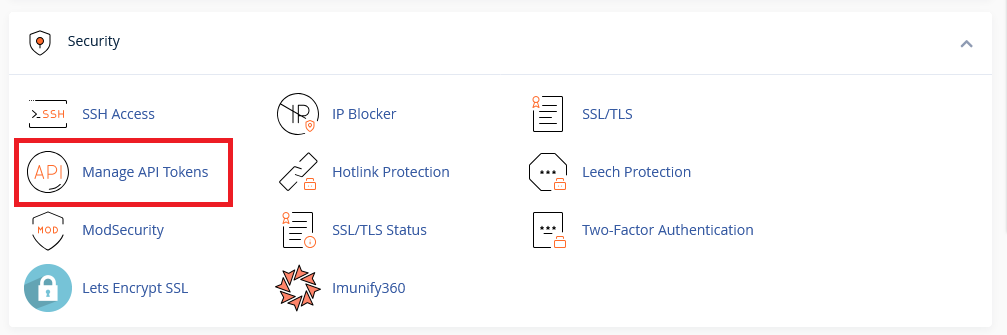
- Navigate to the “API Token” section under “Security”.
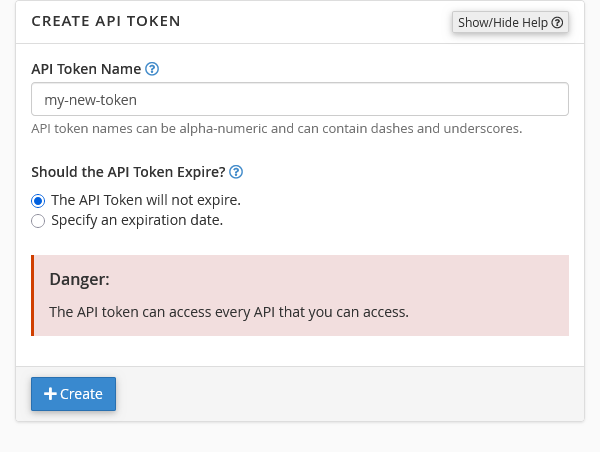
- On Create API token, add a token name and click create.
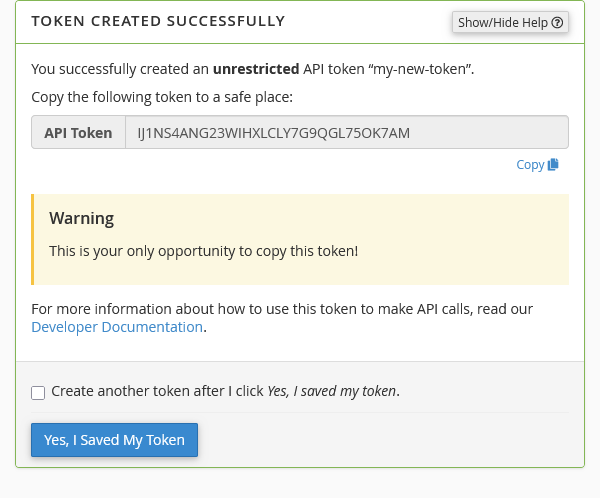
- Copy API Token as this will be the only time you will be given this token.