
Installing WordPress with WP Toolkit in cPanel
WP Toolkit enables one-click installations of WordPress through cPanel, which takes less than five minutes to complete. You can also install WordPress using Softaculous, another one-click installer available through cPanel. Both WP Toolkit and Softaculous provide easy installation and configuration management, the interface you use comes down to your personal preference.
How to Install WordPress with WP Toolkit
Section titled “How to Install WordPress with WP Toolkit”-
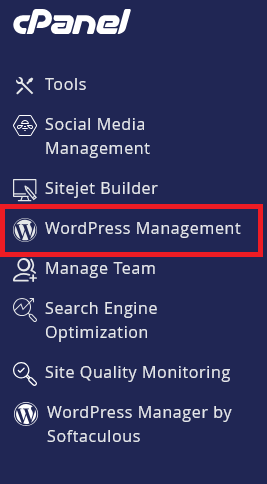
Log in to your hosting account’s cPanel and on the left menu find WordPress Management and click it.
-
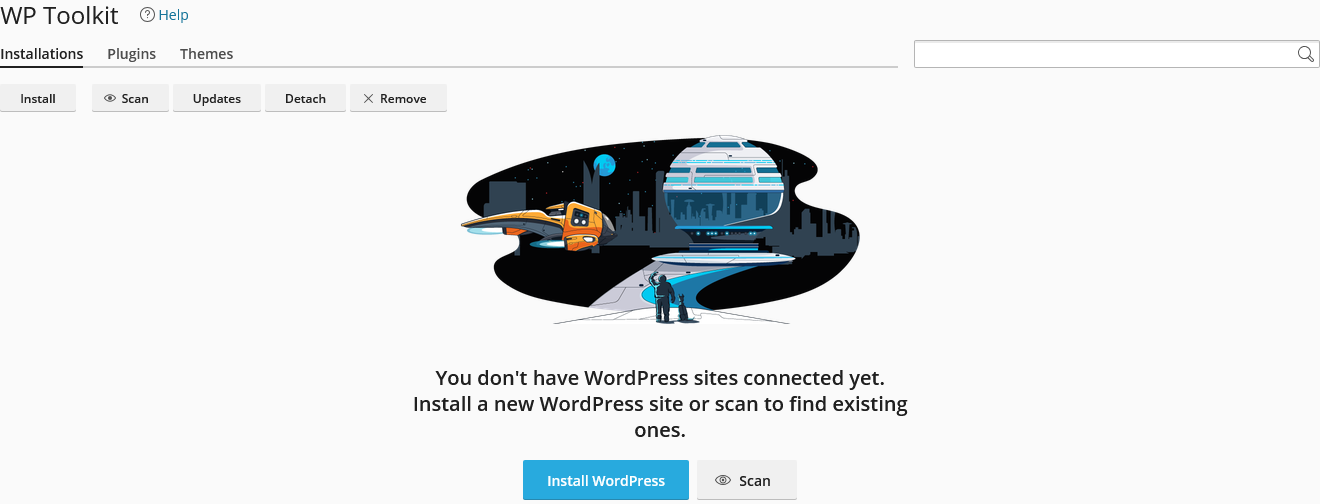
You will be brought to the main WP Toolkit page, where all of your WP Toolkit installations are listed.
-
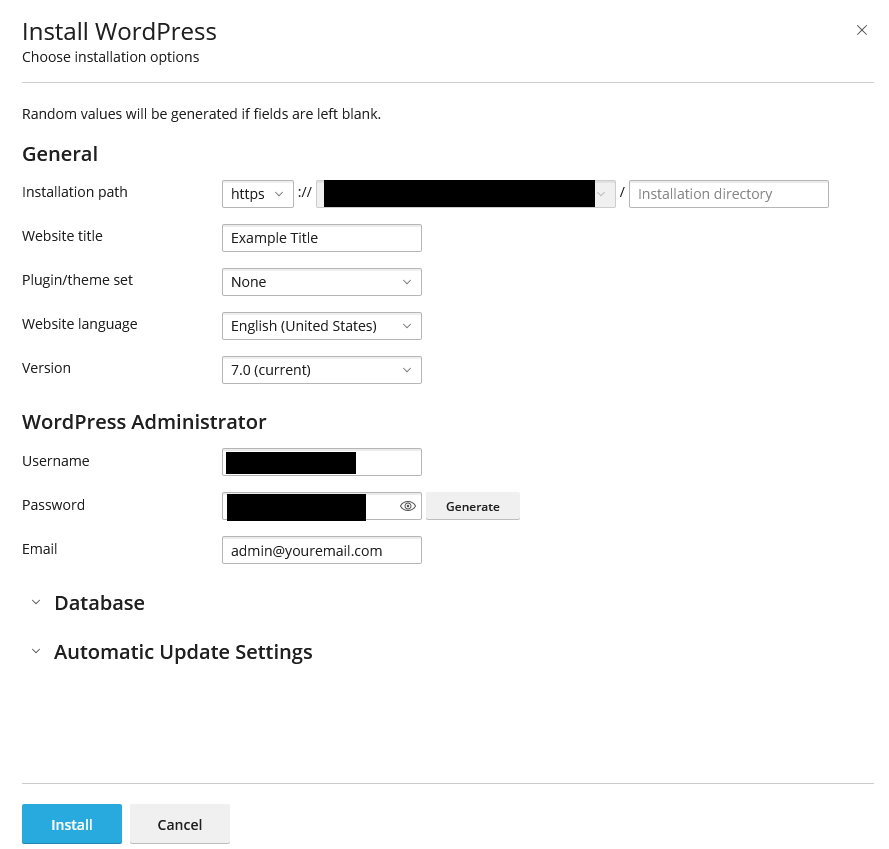
On the main WP Toolkit page, you can click Install and you will be presented with WordPress installation options.
-
Once you have configured WordPress to your desired initial configuration, you can click Install
-
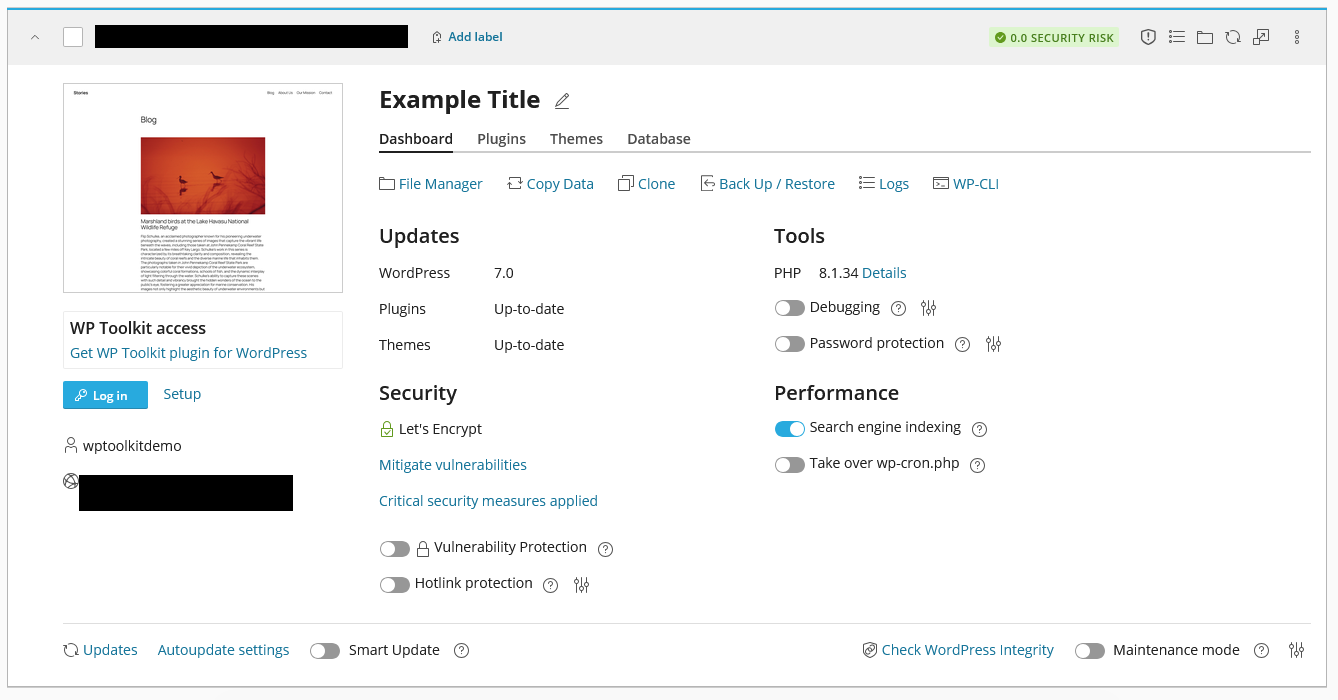
Allow two to three minutes for the initial installation and configuration to complete. Once completed, you’ll be redirected to the WP Toolkit page for managing the WordPress installation.
WordPress Hosting Made Easy
Fast NVMe Storage • Free Migrations • 24/7 Expert Support