
How do I change my server's hostname from WHM?
By default, if you did not define a valid hostname during server setup, your server may have a hostname like 123.456.789.012.cprapid.com. You can fix this by changing the hostname in WHM.
-
Log in to WHM
-
Navigate to Server Configuration > Change Hostname or search for “Change Hostname” in the search bar
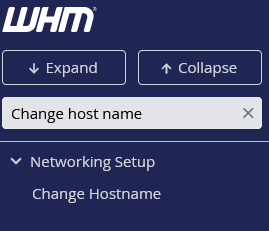
-
Enter your new hostname Note: Make sure to use a valid hostname format (e.g.,
server.example.com)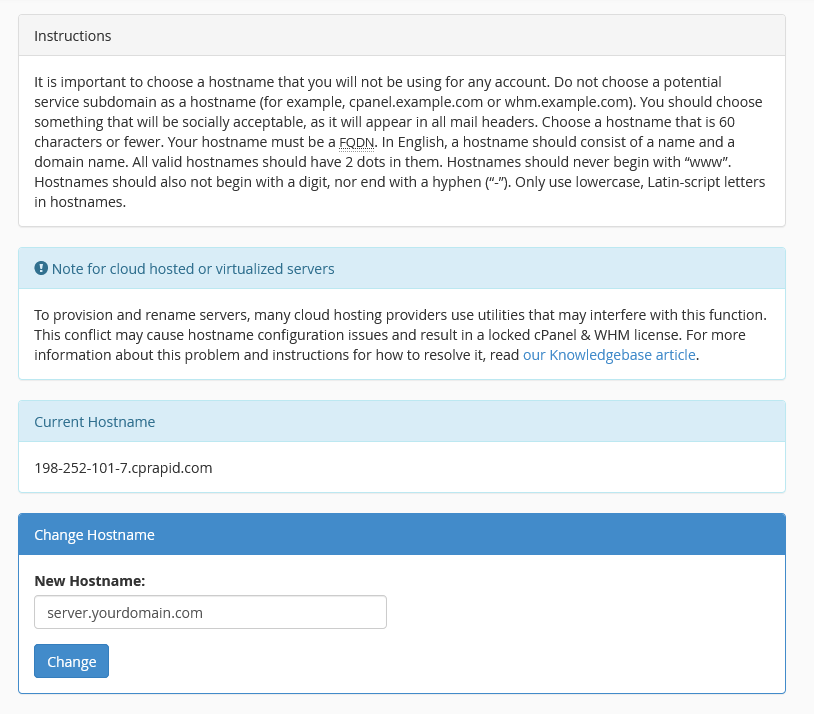
-
Click Change Hostname