How do I subscribe or unsubscribe to your newsletter?
You can subscribe to or unsubscribe from Hawk Host’s newsletter from your client area account details page.
-
Log in to your client area with your current email address.
-
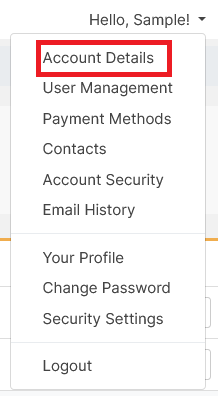
Click your name in the top-right menu and select Account Details from the dropdown.
-
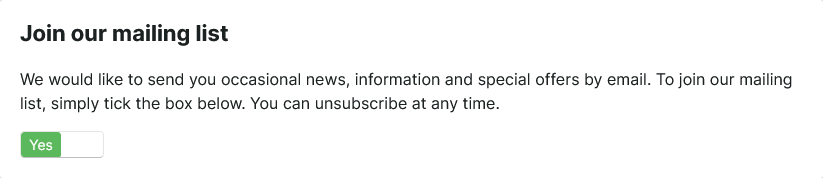
On the Account Details go to Join our mailing list and toggle the switch to subscribe or unsubscribe.