
How to use the Search Engine Optimization feature
Hawk Host offers a search engine optimization feature at no additional cost. The feature is powered by cPanel Search Engine Optimization. No account is required to perform a quick audit of your domains. If you require a full audit, then you will need to verify an email account with the cPanel Search Engine Optimization Team.
Accessing Search Engine Optimization
Section titled “Accessing Search Engine Optimization”-
Log in to your cPanel account.
-
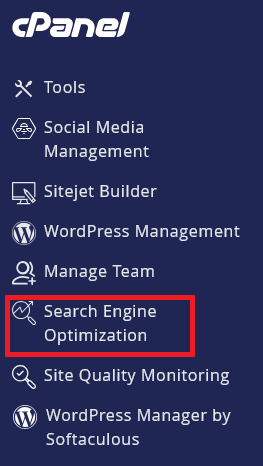
On the cPanel left navigation menu, find and click on Search Engine Optimization.
-
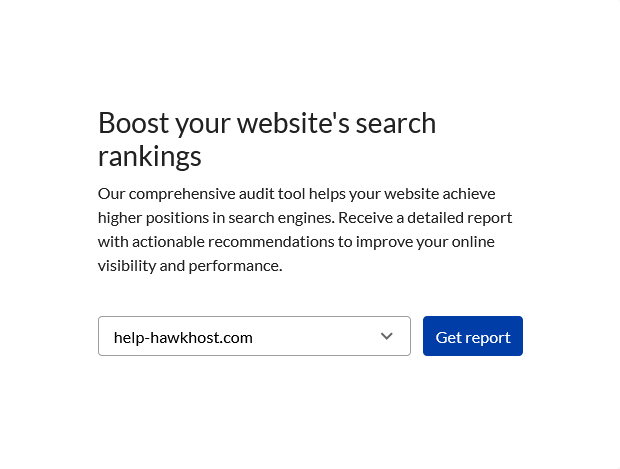
Select the domain you want to audit.
-
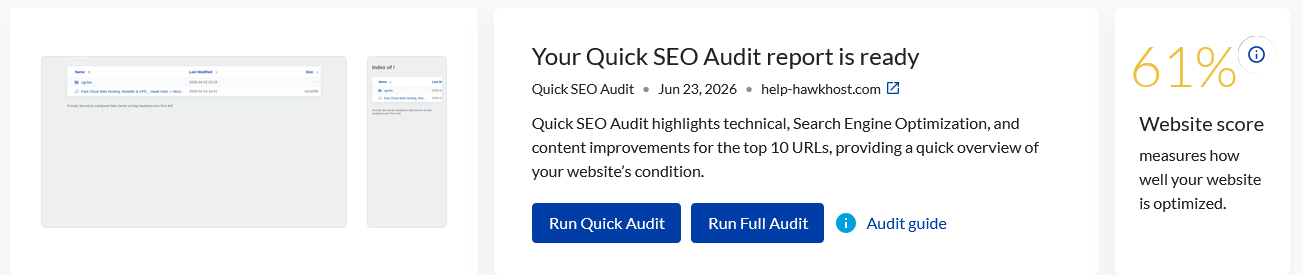
The quick audit will run automatically. Upon completion, you will see a summary of the audit results.
Performing a Full Audit
Section titled “Performing a Full Audit”If you require a full audit, you will need to verify an email account with the cPanel Search Engine Optimization Team. This will allow you to perform a more comprehensive audit of your website’s search engine visibility.
-
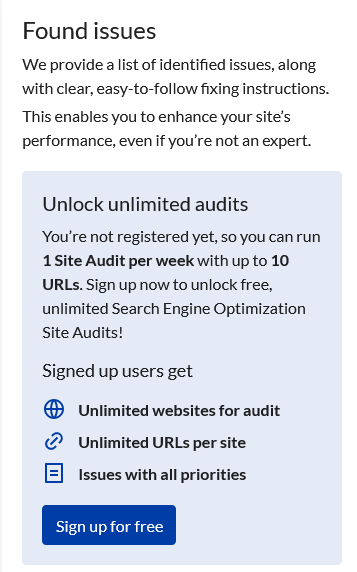
Under your domain name, click Sign up for free.
-
Enter the email address you want to verify.
-
You will receive a verification code with the subject cPanel Search Engine Optimization Email Verification.
-
Enter the verification code in the cPanel Search Engine Optimization interface.
-
You will now be able to perform a full audit of your website’s search engine visibility.
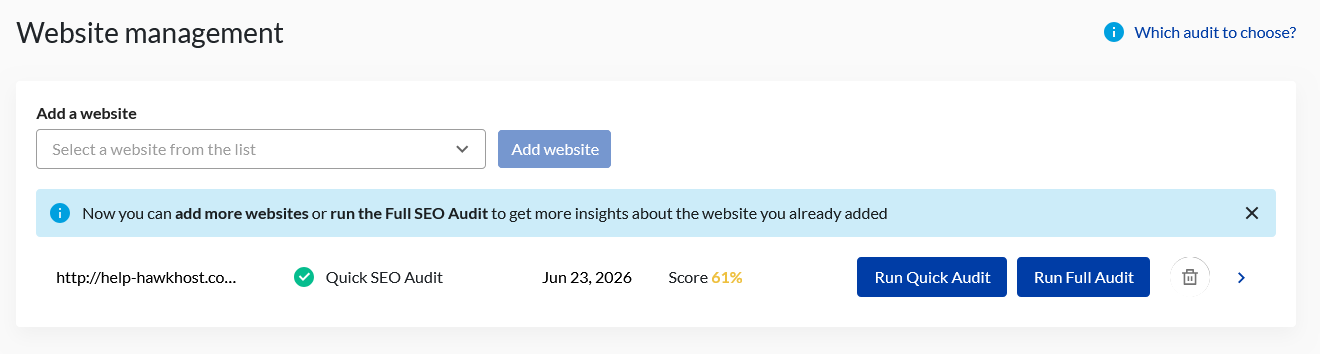
SEO Audit Comparison
Section titled “SEO Audit Comparison”Quick SEO Audit
Section titled “Quick SEO Audit”The Quick SEO Audit scans your site for the most critical issues. It can be completed in 70 seconds and scans up to ten total pages.
Full SEO Audit
Section titled “Full SEO Audit”The Full SEO Audit provides a comprehensive analysis of your website. The full SEO audit can take 40 minutes or longer and scans the entire website. The full SEO audit provides a comprehensive action report with prioritized recommendations to significantly boost your SEO performance.
Issue Prioritization
Section titled “Issue Prioritization”The Search Engine Optimization feature classifies issues as follows:
- High Priority - Issues that will seriously decrease search engine rankings and should be corrected immediately.
- Medium Priority - Issues that would decrease search engine rankings if not corrected.
- Low Priority - Issues that could have minor impact on search engine rankings. Low priority issues are still worth addressing to improve overall SEO performance.