How do I modify my client area user email and name?
Hawk Host supports both client area accounts and individual users, who can be attached to an account. The following guide outlines how to make changes to your individual user account.
-
Log in to your client area with your current email address.
-
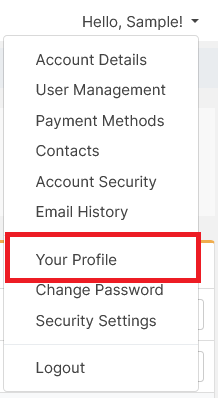
Click your name in the top-right menu and select Your Profile from the dropdown.
-
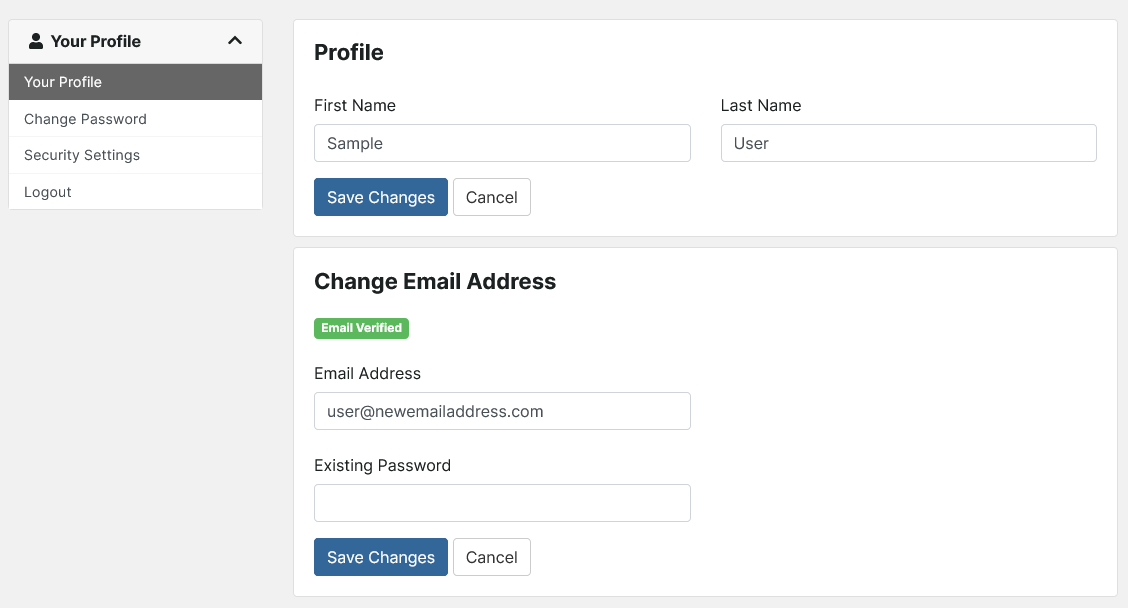
On the Your Profile page, you can update your name and email address.