
How to view WordPress Management logs
The WordPress Management interface contains a logs of all actions performed by the WordPress Management system. The logs interface allows you to search by date, severity, actor, and message.
How to view logs
Section titled “How to view logs”-
Log in to cPanel and search for WordPress Management:
-
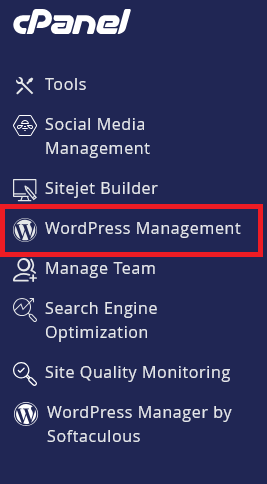
Click on WordPress Management to open the dashboard:
-
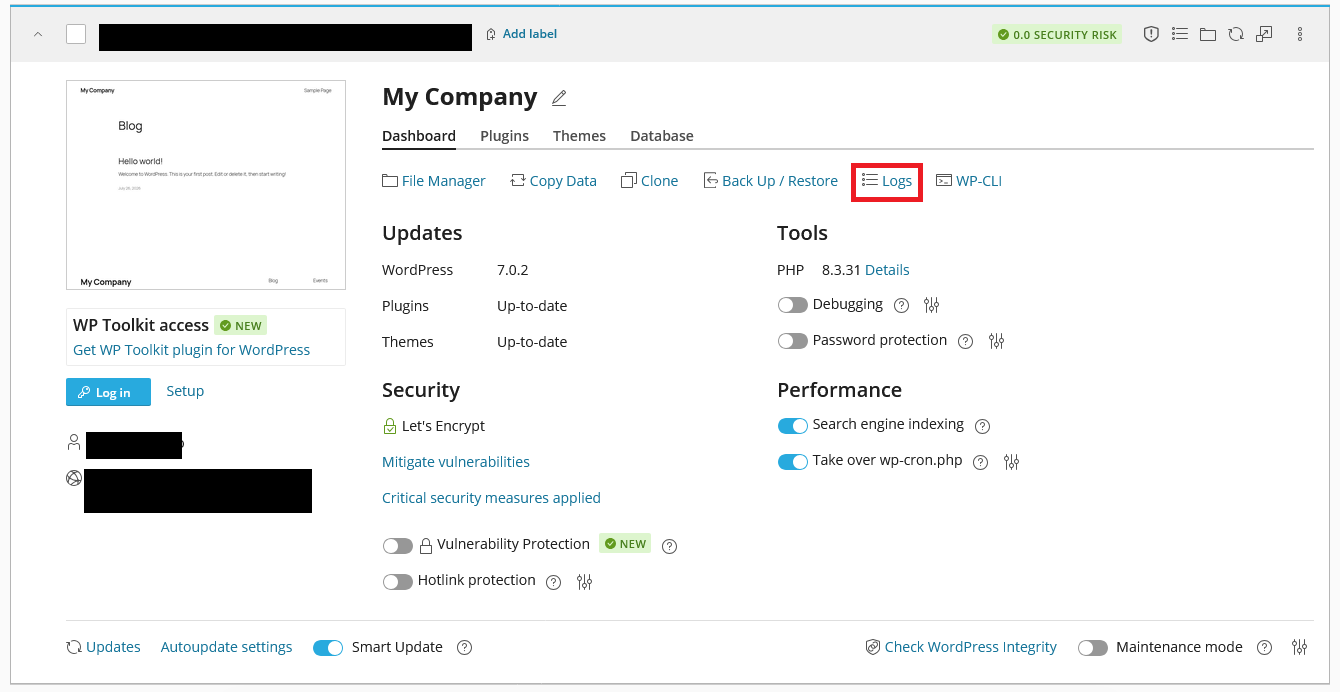
Click on the Logs tab to view the logs:
WordPress Hosting Made Easy
Fast NVMe Storage • Free Migrations • 24/7 Expert Support