
Error: 'Could not determine the database prefix' when cloning or staging Softaculous installation
Softaculous offers a feature to either clone or stage your existing software installation. Using this feature allows you to duplicate your existing installation to test upgrades, new features, new themes, or any other changes without risking impact to your production website. This feature is most commonly used with WordPress, but both staging and cloning support other software:
When cloning or staging your installation, you may see the error:
Could not determine the database prefix for https://yourdomain.com
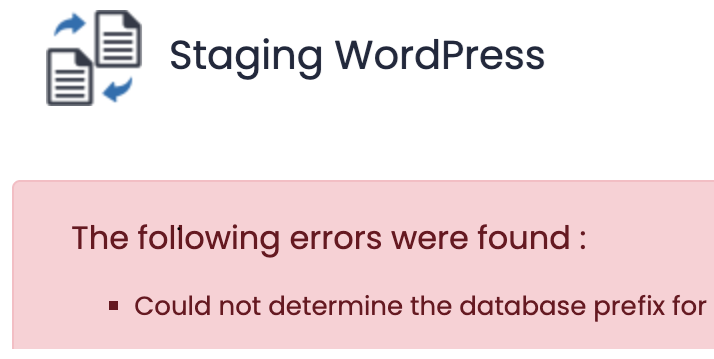
This error indicates you do not have enough disk space on your account to create the new installation. To check your account’s disk space usage:
-
Login to your hosting account’s cPanel
-
From cPanel, use the right-side Statistics menu to view your current
Disk Usagevalue. -
If you have exceeded your disk usage quota, use the top-right search inside cPanel to locate the
Disk Usageinterface. This will provide you a breakdown of your disk usage per directory. To upgrade your hosting plan and add more disk, follow this KB: Upgrading shared hosting plan -
Once your disk usage is below your account’s quota, attempt to stage or clone your installation again. If the process still fails with an error, please submit a support ticket or email support@hawkhost.com with your error for our helpdesk team to investigate further.