
How to Access WP-CLI with WordPress Management
WP-CLI is typically used over SSH. If you’re not familiar with SSH, you can use WP-CLI on your WordPress sites with our WordPress Management option.
How to Access WP-CLI
Section titled “How to Access WP-CLI”-
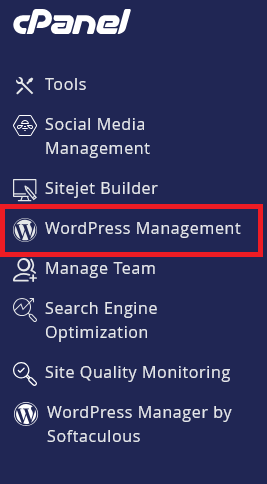
Log in to cPanel and search for WordPress Management:
-
Click on WordPress Management to open the dashboard:
-
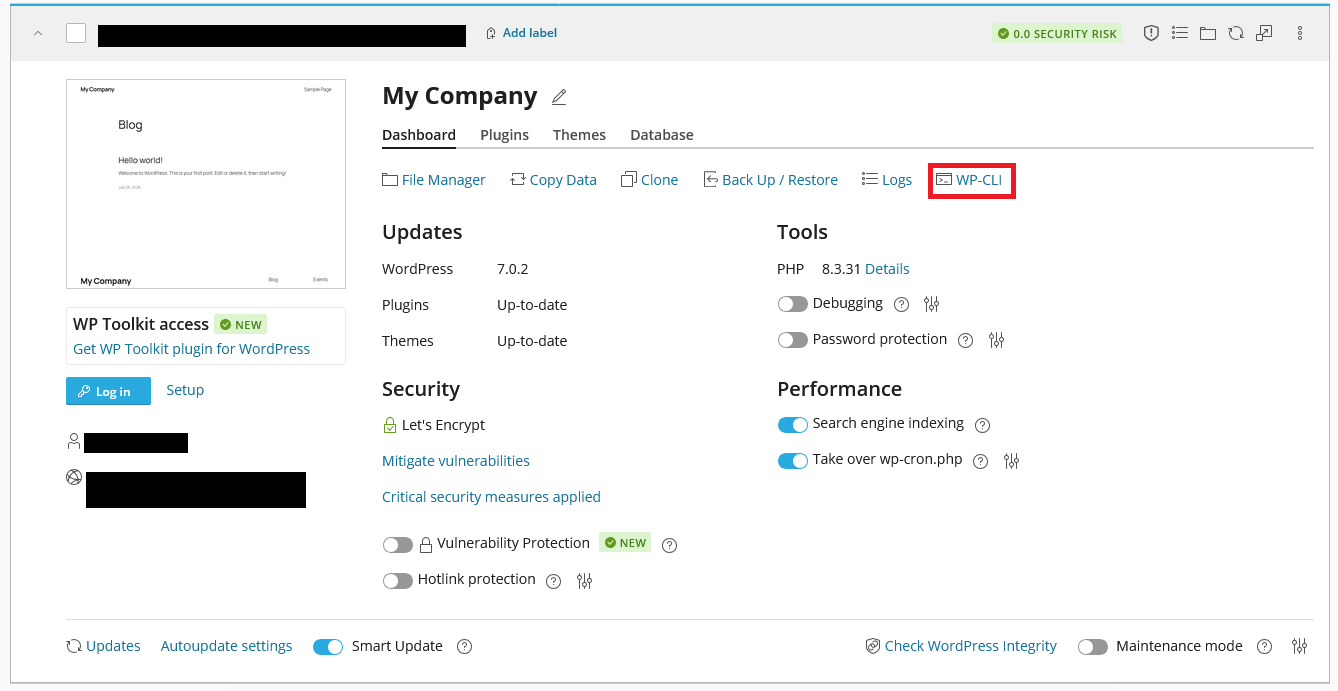
Find your WordPress site in the list and click on it:
-
Click on the WP-CLI option:
-
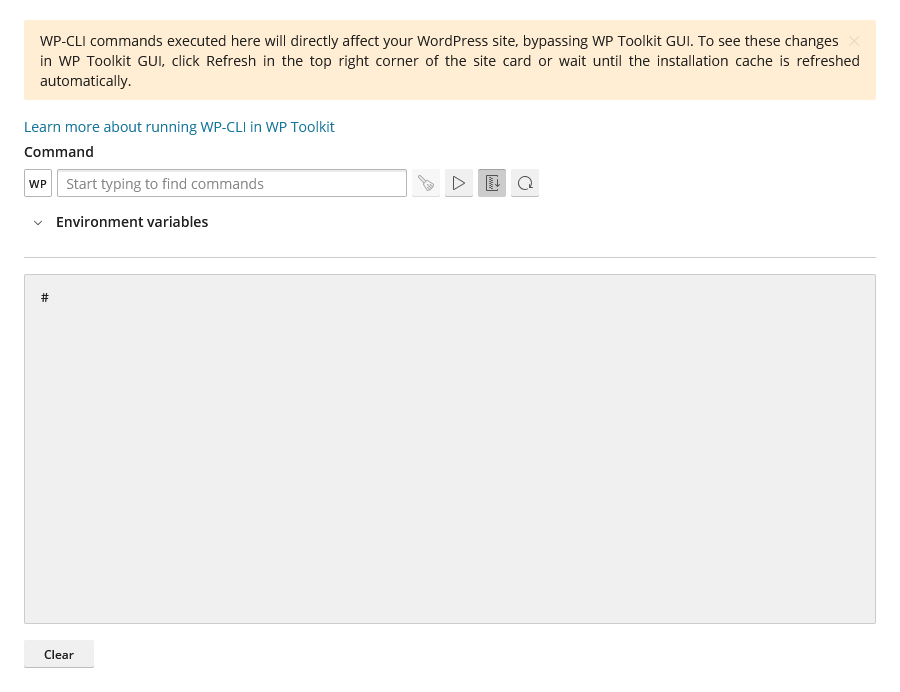
You will be presented with a terminal interface where you can run WP-CLI commands:
Common WP-CLI Commands
Section titled “Common WP-CLI Commands”Here are some commonly used WP-CLI commands:
- Reset WordPress Admin Password:
wp user update admin --user_pass=newpassword - Update WordPress:
wp core update - Update Plugins:
wp plugin update --all - Update Themes:
wp theme update --all - Check for Updates:
wp core check-update - List Plugins:
wp plugin list - List Themes:
wp theme list - Search Posts:
wp post list --search="keyword" - Export Database:
wp db export backup.sql - Import Database:
wp db import backup.sql - Clear Cache:
wp cache flush
WordPress Hosting Made Easy
Fast NVMe Storage • Free Migrations • 24/7 Expert Support